

Content creation is a full-fledged business, demanding more than just creativity. It requires a strategic workflow, the right gear, and smart software to move from a fleeting idea to a polished, monetized final product. Juggling idea generation, scripting, filming, editing, scheduling, and analyzing performance can quickly lead to burnout. The key to sustainable growth isn't just working harder-it's working smarter with a streamlined tech stack. This guide cuts through the noise to reveal the best tools for content creators.
We've categorized our top picks based on the creator lifecycle, from sparking that initial concept to earning from your hard work. This structure helps you build an efficient, powerful, and scalable content engine tailored to your specific needs, whether you're a TikTok influencer or a small business managing a brand account. Each recommendation includes a detailed breakdown of its core function, pros and cons, pricing, and specific use cases to help you make an informed decision.
This comprehensive list will equip you with the resources needed to refine every stage of your production pipeline. Ultimately, turning ideas into revenue often involves identifying the best platforms to sell digital products. By optimizing your workflow with the right tools, you can free up time to focus on monetization strategies and audience growth. Forget endless searching; this is your definitive roadmap to the essential software and platforms that power successful creators. Let's dive into the tools that will transform your content creation process.
1. Viral.new
Viral.new stands out as a premier AI-powered idea engine specifically engineered to solve one of the biggest challenges for TikTok creators: the relentless need for fresh, high-performing content concepts. Instead of generic suggestions, it delivers a curated batch of trend-aligned video prompts directly to your inbox every morning, making it one of the best tools for content creators looking to maintain momentum without burning out. This platform is expertly designed for anyone from solo creators to DTC brands who need to move fast and capitalize on what’s currently working on the platform.
The core strength of Viral.new lies in its intelligent analysis of the TikTok ecosystem. The AI goes beyond simple keyword matching, deconstructing fast-moving trends, viral sounds, popular formats, and seasonal interest within your specific niche. It then translates this data into clear, ready-to-shoot video concepts. This process effectively removes the guesswork and hours of manual scrolling from your content planning workflow.
Why It's Our Top Pick for Idea Generation
Viral.new excels by focusing on actionable output rather than overwhelming data. The ideas it generates are not just topics; they are structured prompts complete with proven hooks, effective formats, and conversion-focused angles. This allows you to quickly execute concepts that are already aligned with audience expectations and the platform's algorithm.
The onboarding process is remarkably lightweight, requiring only a Google or email sign-in to get started. By telling the AI about your business, audience, and goals, you immediately begin receiving tailored ideas that feel relevant and strategic. This daily delivery system seamlessly integrates into an existing morning routine, ensuring your content calendar remains full and dynamic.
Key Features and Use Cases
- AI-Powered Trend Analysis: Automatically identifies and translates emerging sounds, formats, and challenges into usable video ideas for your niche.
- Daily Email Delivery: Receive a fresh batch of content prompts every morning, eliminating creative block and streamlining your planning process.
- Niche-Specific Customization: Tailors suggestions based on your industry, target audience, and content goals, ensuring relevance and higher engagement potential.
- Actionable Prompts: Provides not just an idea, but a complete concept with a hook, format, and recommended angle, making it easy to start filming immediately.
Pro Tip: Use Viral.new to test new content pillars. If you're a brand that typically posts product demos, you can use its trend-based prompts to experiment with educational or behind-the-scenes formats without the risk of starting from scratch.
Pricing and Access
Accessing pricing details requires creating an account, as plans are not publicly listed on the website. However, signing up is free and is the first step to receiving your initial ideas.
Pros:
- Daily, trend-driven ideas delivered directly to your inbox
- Tailors prompts to your niche, audience, and current sounds
- Focuses on actionable, production-ready concepts
- Lightweight onboarding and simple user experience
Cons:
- Pricing is not publicly displayed on the website
- AI-generated ideas may require some human refinement to perfectly match a specific brand voice
Website: https://viral.new
2. Amazon
Amazon has become the default one-stop shop for creator hardware, earning its spot among the best tools for content creators due to its sheer scale and logistical speed. From your first ring light and microphone to professional-grade cameras and gimbals, its massive inventory covers every stage of a creator's journey. The platform excels at providing rapid access to essential gear, which is critical when a piece of equipment breaks mid-project.
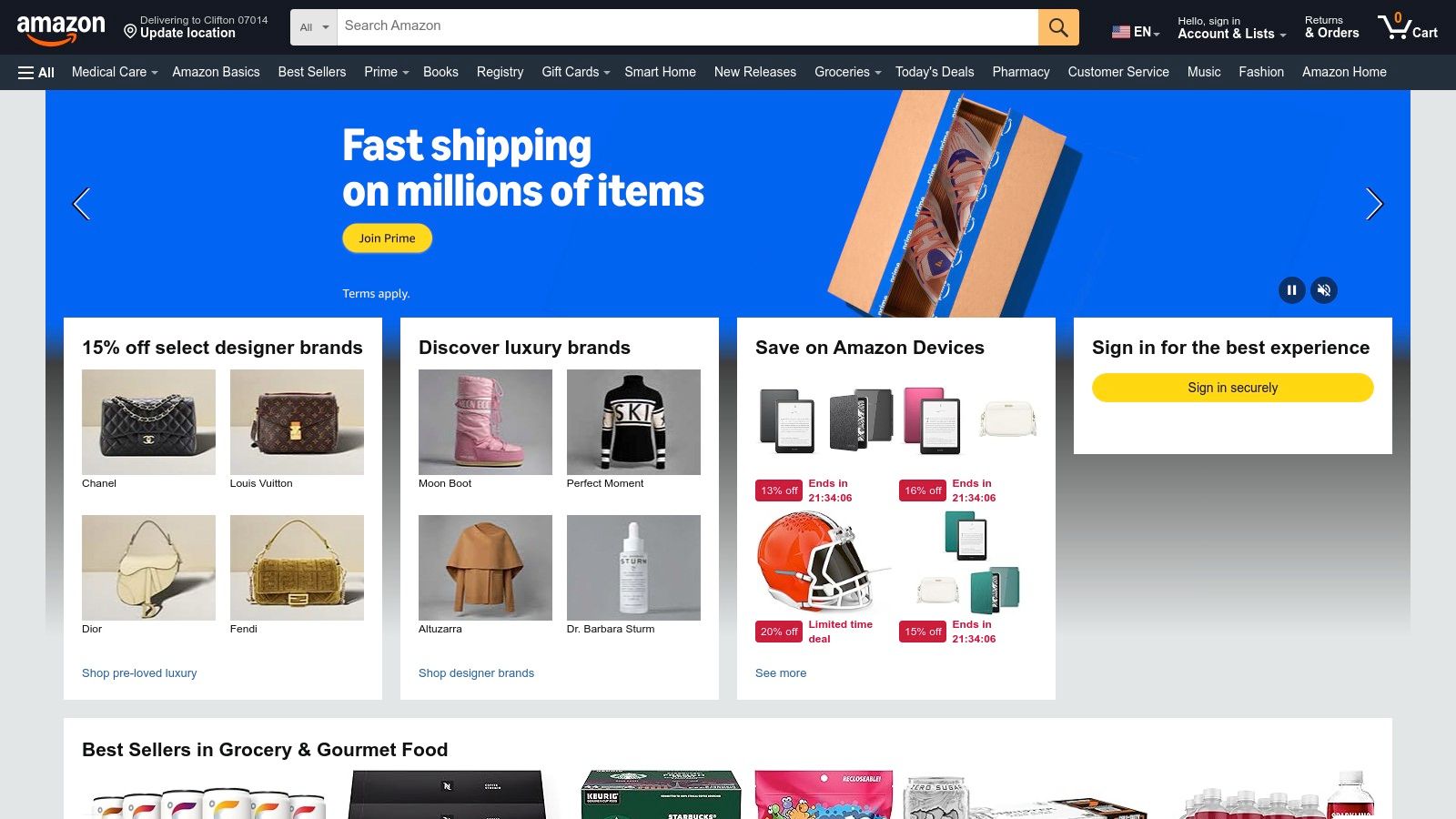
Its primary advantage is the Amazon Prime subscription, which unlocks free same-day or next-day delivery in most metropolitan areas. This service is a lifesaver for getting last-minute replacements for SD cards, batteries, or cables. The user review and Q&A sections are invaluable for vetting products, allowing you to see real-world feedback and photos before committing.
Practical Tips for Creators
For TikTok creators building a starter kit, Amazon is unmatched for bundling essentials. You can easily find packages that include a tripod, phone mount, and basic lighting for a single, affordable price. When purchasing, always check the "Ships from" and "Sold by" fields. Prioritize items sold directly by Amazon or the official brand storefront to avoid counterfeit products from third-party sellers. Using browser extensions like Keepa to track price history can also help you identify genuine deals and avoid inflated pricing.
Pros & Cons
| Pros | Cons |
|---|---|
| Unbeatable selection of creator hardware and accessories | Quality of third-party sellers can be inconsistent |
| Extremely fast shipping for Prime members | Prime benefits sharing has become more restrictive |
| Extensive user reviews and Q&As for product vetting | Overwhelming number of options can lead to decision fatigue |
Link: https://www.amazon.com
3. B&H Photo Video
For creators ready to invest in professional-grade equipment, B&H Photo Video is a specialist retailer that stands out among the best tools for content creators. Unlike generalist marketplaces, B&H offers a deeply curated catalog of high-end cameras, audio gear, lighting, and livestreaming kits from major brands. Its key differentiator is the expert guidance available, making it an invaluable resource for creators upgrading from entry-level hardware to a more advanced setup.
The platform is known for its reliable shipping and strong after-sales support, providing peace of mind for significant investments. B&H also features a frequent "Deal Zone" with aggressive, limited-time discounts on specific items, offering a great opportunity to acquire premium gear below market price. Their detailed product pages, expert reviews, and comprehensive spec sheets help creators make informed purchasing decisions.
Practical Tips for Creators
When building a dedicated studio or upgrading your audio for interviews, B&H is the ideal place to research and purchase components like a Shure SM7B microphone or a Blackmagic camera. Before purchasing, use the live chat or call their experts to confirm compatibility between lenses, cameras, and audio interfaces. Also, keep an eye on their Used Department, which is a highly reputable source for professionally inspected, secondhand gear at a significant discount, perfect for stretching a tight budget without sacrificing quality.
Pros & Cons
| Pros | Cons |
|---|---|
| Specialist retailer with knowledgeable support | Returns have exclusions (e.g., opened software) |
| Reliable shipping and strong after-sales resources | Shipping costs are not refundable on returns |
| Curated selection of high-quality, professional gear | Strict policy enforcement can be a friction point for some customers |
Link: https://www.bhphotovideo.com
4. Adorama
Adorama is a specialized photo and video retailer that stands out among the best tools for content creators by offering expertly curated gear and competitive bundles. While larger marketplaces offer endless options, Adorama focuses on a more guided shopping experience with its dedicated 'Content Creator Kits' category, simplifying the process of finding vlogging setups, podcasting rigs, and streaming desks. This makes it an excellent alternative for creators who want professional advice baked into their purchasing options.
Its primary advantage is the combination of new, used, and open-box equipment, allowing creators to stretch their budgets without sacrificing quality. The VIP360 membership program is a key feature for frequent buyers, providing benefits like free 2-day shipping on eligible items and an extended 60-day return window. The used marketplace is particularly valuable for securing high-end lenses or camera bodies at a significant discount.
Practical Tips for Creators
For creators on a budget, Adorama's Used department is a goldmine. Look for equipment rated "E" (Excellent) or higher for gear that is in great condition with minimal signs of use. Before purchasing a new camera or lens, always check their "Creator Kits" section, as these bundles often include essential accessories like memory cards, tripods, and microphones at a better price than buying them separately. This is ideal for a TikTok creator upgrading from a smartphone to a dedicated camera setup.
Pros & Cons
| Pros | Cons |
|---|---|
| Curated creator bundles simplify gear selection | Two-day delivery limited to eligible VIP360 items |
| Excellent used and open-box marketplace for savings | 30-day return policy has category exceptions |
| VIP360 adds value for frequent buyers with shipping perks | Restocking fees possible on some non-pristine returns |
Link: https://www.adorama.com
5. DJI (Official Store)
DJI has cornered the market on high-quality, portable filming solutions, establishing its official store as one of the best tools for content creators focused on run-and-gun production. Specializing in compact hardware, DJI offers integrated systems like the Osmo Pocket 3 and DJI Mic 2 that are perfect for solo creators filming TikToks, Reels, and vlogs. The brand excels at creating gear that is both powerful and incredibly easy to use straight out of the box.
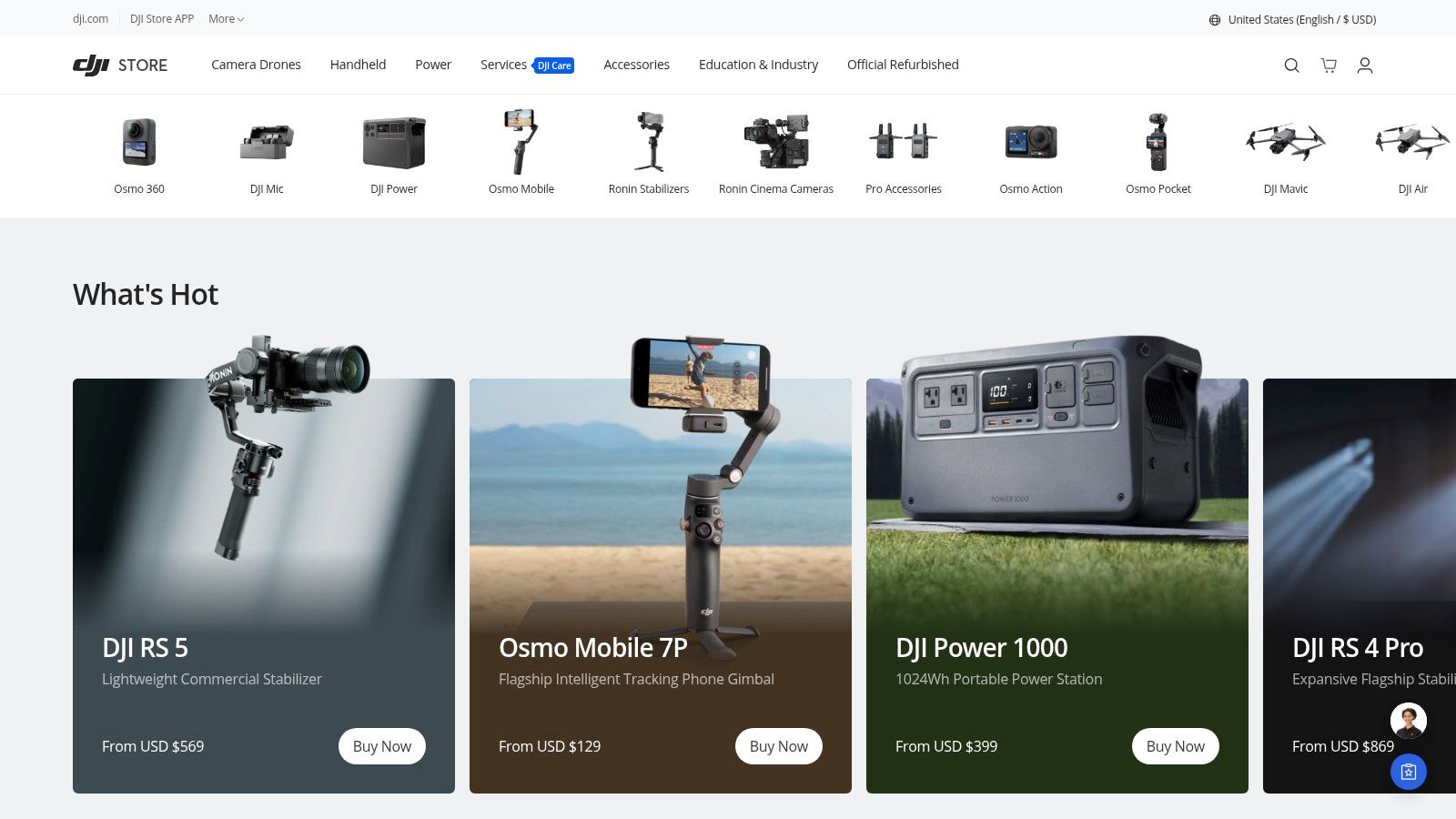
Its primary advantage is the Creator Combo bundles, which package a core product like a gimbal or camera with essential accessories like wireless microphones, tripods, and carrying cases. These combos provide significant value and convenience, giving creators a complete field production kit in a single purchase. Products like their smartphone gimbals with ActiveTrack technology make it simple to capture smooth, professional-looking footage without a camera operator.
Practical Tips for Creators
For TikTok creators, the Osmo Pocket 3 Creator Combo is a game-changer. Its pocket-sized 3-axis gimbal camera and included wireless mic system deliver cinematic quality with minimal setup. When shopping on the DJI store, pay close attention to shipping estimates and stock levels, as popular items can sell out quickly, especially after a new product launch. Also, consider purchasing the DJI Care Refresh plan for your device; it offers affordable replacements for accidental damage, which is a lifesaver for creators who are always on the move.
Pros & Cons
| Pros | Cons |
|---|---|
| Extremely portable 'shoot‑and‑go' solutions ideal for TikTok/Reels | U.S. pricing and availability can fluctuate; some kits sell out |
| Creator combos bundle useful accessories (mics, tripods) | Policy or regulatory news can affect supply and selection |
| Industry-leading stabilization and tracking technology | High-demand products can have long wait times |
Link: https://store.dji.com
6. Elgato (Corsair)
Elgato has built a reputation for creating a streamlined hardware ecosystem that has become a staple for streamers and video creators. Its products, including capture cards, premium webcams, and studio lighting, are designed to elevate production quality while simplifying complex workflows. The company stands out by offering tools that seamlessly integrate with popular software like OBS, Streamlabs, and the Adobe Creative Suite, making it one of the best tools for content creators looking to professionalize their setup.
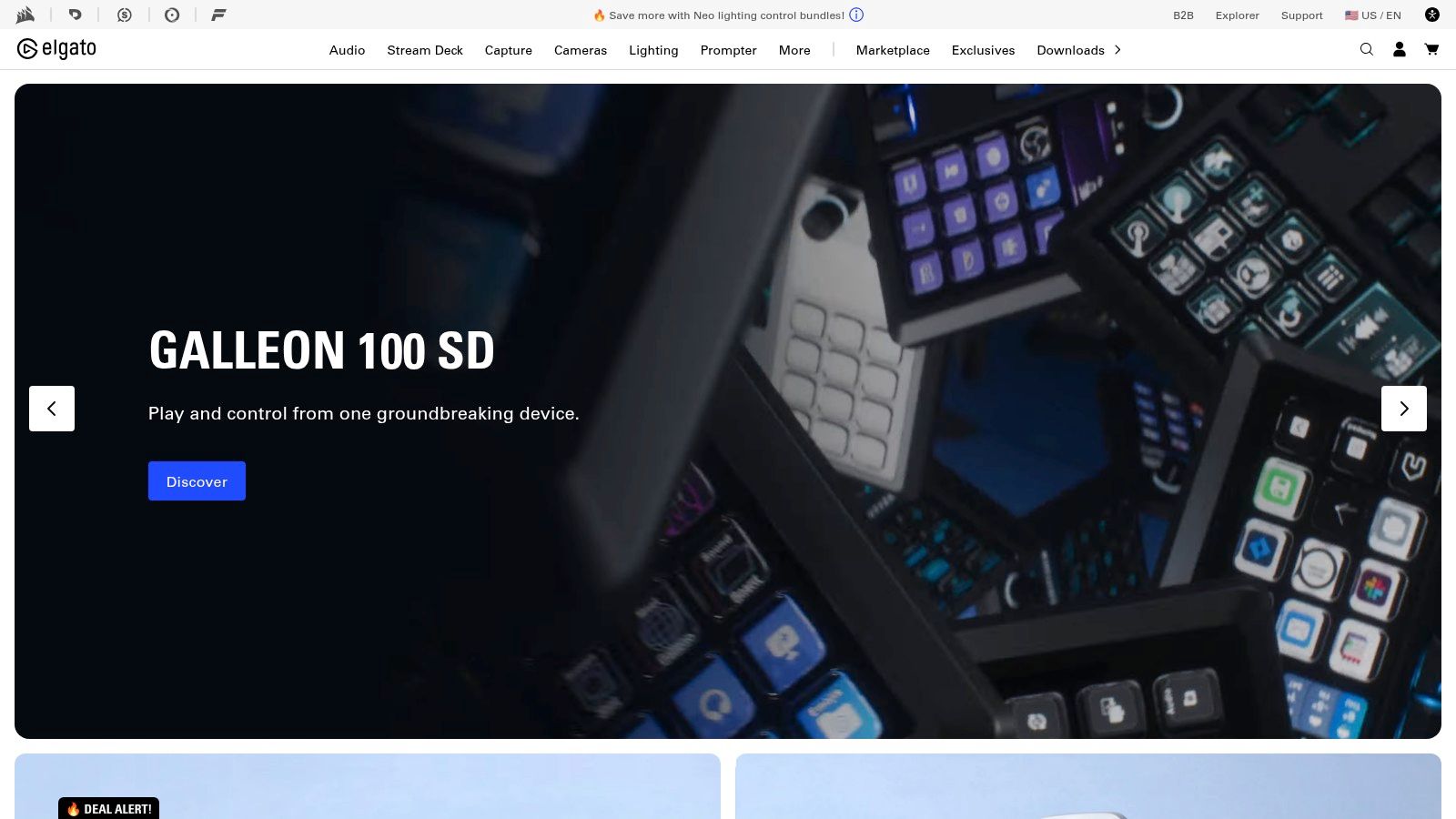
The crown jewel of its lineup is the Stream Deck, a customizable macro pad that lets creators launch apps, switch scenes, trigger sound effects, and control software with a single button press. This level of automation is a game-changer for solo creators, eliminating the need to alt-tab out of a game or recording session to make adjustments. The high-quality hardware, from the Facecam Pro webcam to the Key Light series, ensures a professional look and feel for any video project.
Practical Tips for Creators
For TikTok creators, the Stream Deck can be a powerful editing accelerator. You can program buttons to execute multi-step keyboard shortcuts in CapCut or Premiere Pro, like trimming a clip, adding a specific transition, and exporting, all with one tap. When setting up your space, using Elgato’s Key Light Air provides soft, even lighting that is crucial for short-form video, and its desktop control app lets you adjust brightness and color temperature on the fly without leaving your chair.
Pros & Cons
| Pros | Cons |
|---|---|
| Tight integrations with OBS, Adobe apps and common creator workflows | Ecosystem can add up in cost quickly |
| Stream Deck offers unparalleled workflow automation | Some features are best realized on desktop workflows rather than mobile |
| High-quality hardware built specifically for content creators | Initial setup and customization can have a learning curve |
Link: https://www.elgato.com
7. Adobe Creative Cloud
Adobe Creative Cloud is the undisputed industry standard for professional-grade creative work, making it one of the best tools for content creators who are ready to graduate from basic editing apps. Its suite includes powerhouse applications like Premiere Pro for video editing, After Effects for motion graphics, and Photoshop for image manipulation. This integrated ecosystem allows for a seamless workflow, where assets can be moved between programs without losing quality.
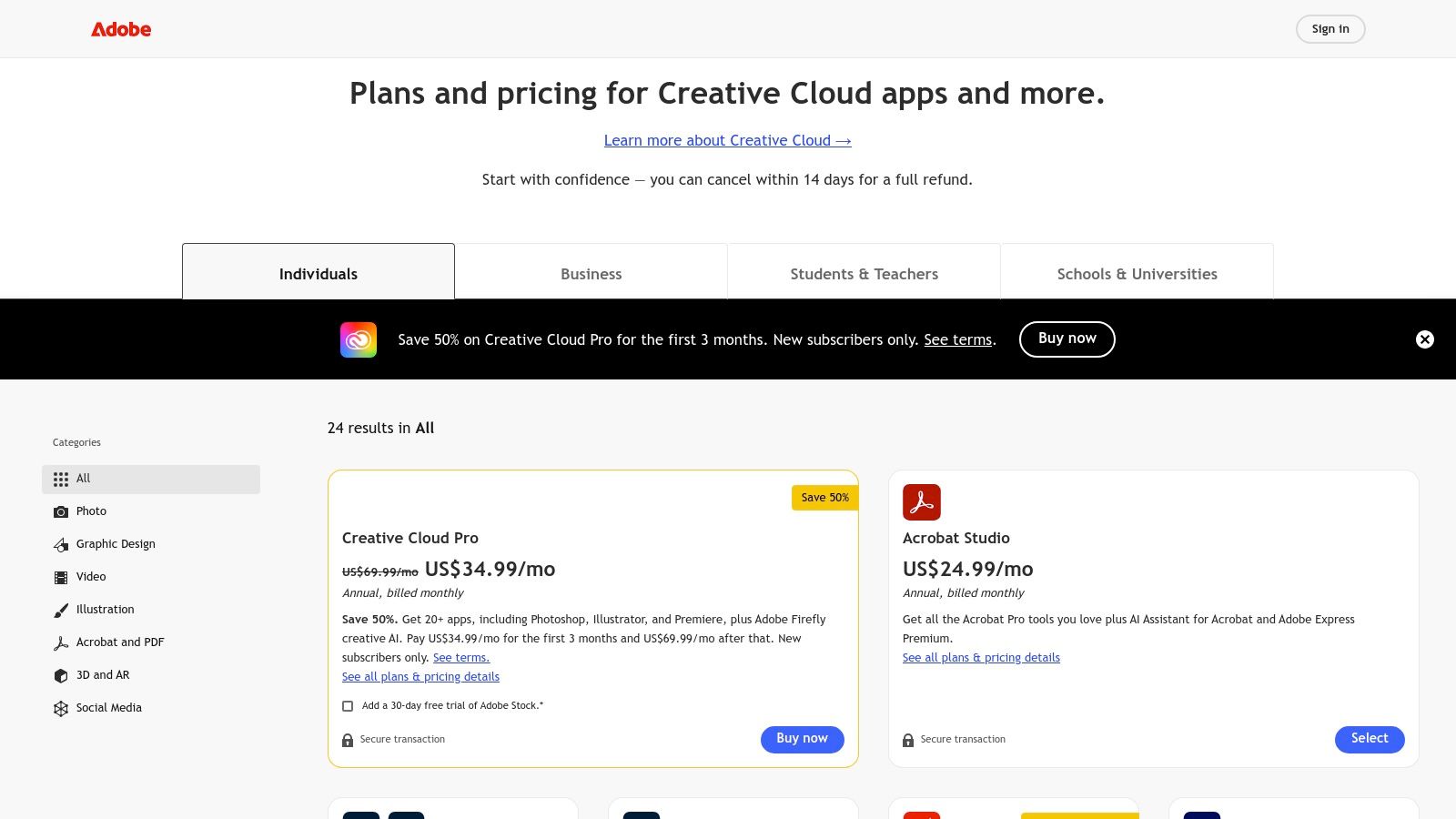
The platform's key advantage is its depth. Premiere Pro offers unparalleled control over color grading, multi-cam editing, and audio mixing with Adobe Audition integration. The recent addition of Firefly AI features streamlines tasks like generating captions, auto-reframing for different aspect ratios, and enhancing audio quality. For creators aiming for a cinematic look or complex visual effects, no other tool provides this level of professional polish and control.
Practical Tips for Creators
For TikTok creators, Premiere Pro's Auto Reframe tool is a game-changer, automatically converting wide-format footage into a vertical 9:16 aspect ratio while keeping the subject in focus. Use Essential Graphics templates to create reusable, branded text and animations that maintain a consistent look across your videos. Instead of buying the full suite, consider starting with the Photography Plan (which includes Photoshop) or a single-app subscription for Premiere Pro to manage costs as you scale.
Pros & Cons
| Pros | Cons |
|---|---|
| Unmatched professional-grade features for video, audio, and graphics | Steep learning curve for beginners compared to mobile editors |
| Seamless integration between apps like Premiere Pro, After Effects, and Photoshop | Subscription model can be costly over time |
| Extensive library of tutorials and community support | Can be resource-intensive, requiring a powerful computer |
Link: https://www.adobe.com/creativecloud/plans.html
8. CapCut
CapCut has rapidly become the go-to video editor for short-form content, cementing its place as one of the best tools for content creators focused on platforms like TikTok and Instagram Reels. Developed by the same parent company as TikTok, it offers a seamless, mobile-first editing experience with a feature set perfectly tailored to viral trends. Its intuitive interface on mobile, desktop, and web makes complex edits like background removal and auto-captioning remarkably simple.
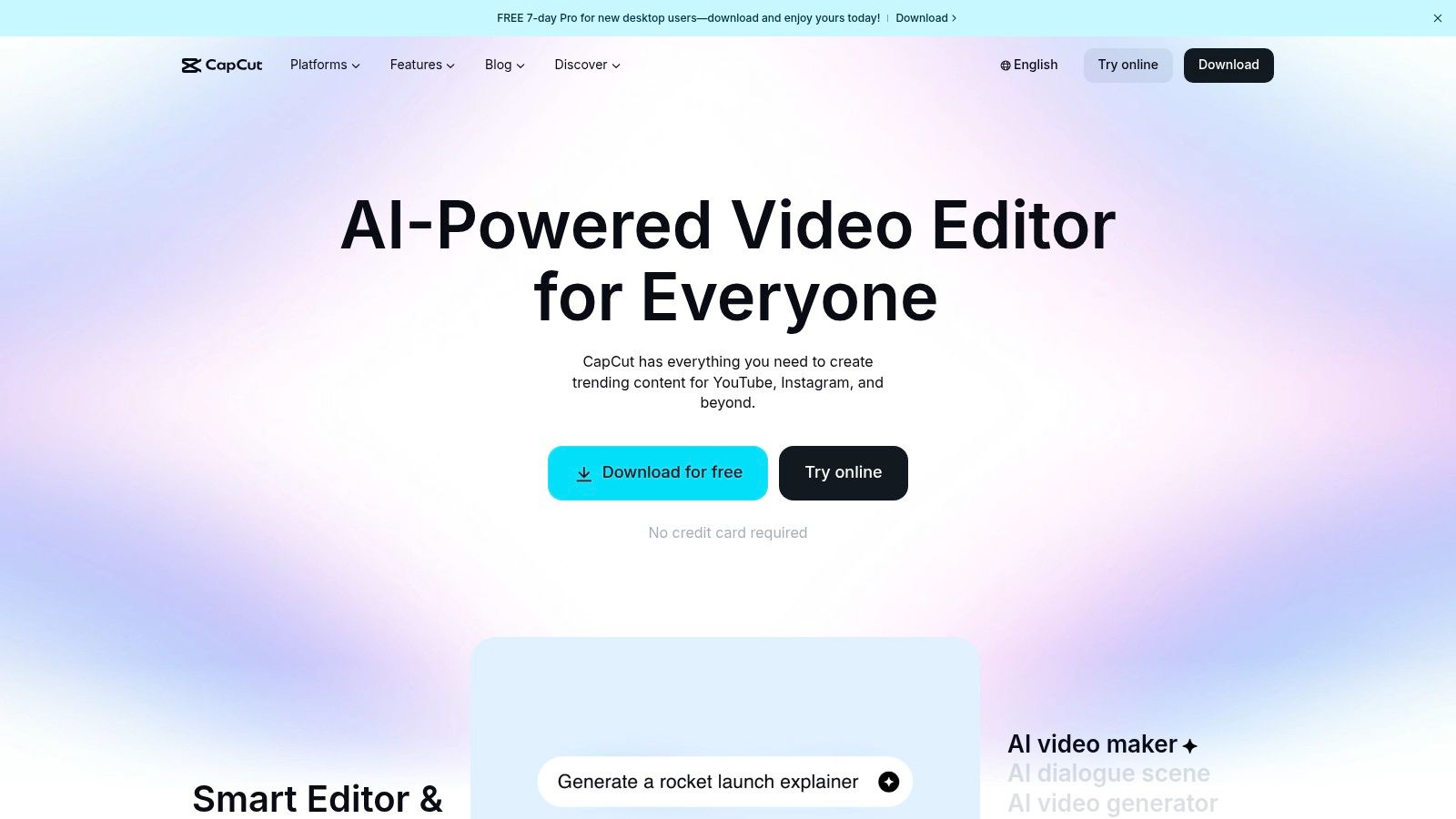
The platform’s primary strength is its massive library of trending templates, effects, and sounds, which allows creators to quickly replicate popular video formats. The free version is powerful enough for most users, offering high-quality exports without a watermark, a rare feature among free mobile editors. For those needing more advanced tools, the paid subscription unlocks cloud storage, additional AI effects, and team collaboration features. For a deeper dive into mobile editors, you can explore other best video editing apps for TikTok.
Practical Tips for Creators
To maximize efficiency, start your edit by browsing the Templates tab. Applying a trending template automatically syncs your clips to the music and applies the necessary effects, saving significant time. For original content, use the Auto-captions feature early in your workflow to generate and style subtitles that match your brand. Always manage your subscription directly through the platform where you first purchased it (e.g., Apple App Store, Google Play Store, or the CapCut website) to avoid billing confusion, as some users report friction when trying to cancel through a different storefront.
Pros & Cons
| Pros | Cons |
|---|---|
| Fast to learn and optimized for TikTok/Reels exports | Pricing and billing can vary by platform (App Store/web) |
| Solid free tier for basic editing needs | Some users report friction with subscription cancellations |
| Large library of trending templates and effects | Desktop app can be less stable than the mobile version |
Link: https://www.capcut.com
9. Canva
Canva has become the go-to graphic design tool for creators who need to produce high-quality visuals without the steep learning curve of professional software. It excels at creating everything from YouTube thumbnails and Instagram carousels to video overlays and TikTok end-screens. Its drag-and-drop interface and massive template library make it one of the best tools for content creators who need to maintain a consistent brand aesthetic quickly.
The platform’s core strength is its accessibility and speed. The Brand Kit feature (available on paid plans) is a game-changer, allowing you to store your logos, color palettes, and fonts for one-click application across all designs. This ensures brand consistency with minimal effort. Newer "Magic" AI tools also help generate copy, create presentations, and even translate designs, further streamlining the creative workflow.
Practical Tips for Creators
For TikTok creators, Canva is perfect for crafting engaging cover photos for your profile grid or designing quick, animated text overlays for your videos. Use the "Animate" feature on text and graphic elements to add simple motion that grabs attention. To ensure your brand is recognizable, create a few core video templates with your signature fonts and colors. You can then duplicate and adapt these templates for new content, cutting your production time significantly.
Pros & Cons
| Pros | Cons |
|---|---|
| Very accessible for non-designers and fast for social output | Teams pricing has seen increases-review plan details before upgrading |
| Brand Kit feature ensures consistent branding | Advanced motion/design still trails pro NLEs and Adobe for complex work |
| Excellent for collaboration and sharing designs with a team | Free version has limitations on premium assets and features |
Link: https://www.canva.com
10. Later
Later has solidified its position as one of the best tools for content creators by offering a comprehensive, visually-focused platform for scheduling and analyzing social media content. It excels at helping creators manage their posting calendars, particularly for visually-driven platforms like TikTok and Instagram. The platform’s strength lies in its intuitive drag-and-drop interface, which makes batch-planning content a streamlined and efficient process.
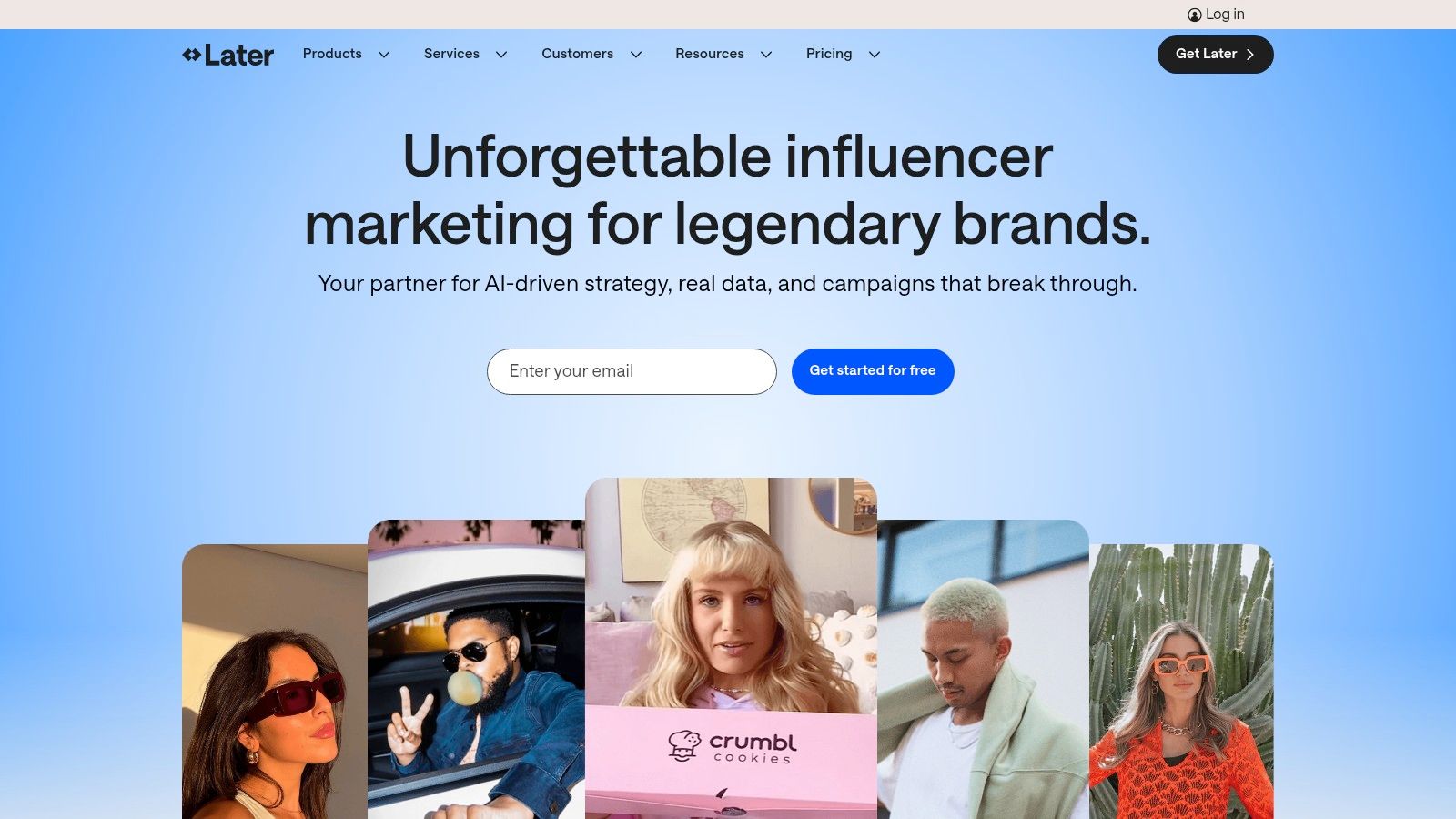
The platform offers direct auto-publishing for TikTok, allowing you to schedule your videos to go live without manual intervention. Key features like the "Best Time to Post" recommendation analyze your audience's activity to suggest optimal posting times for maximum engagement. Later also includes a built-in link-in-bio tool, enabling you to create a clickable landing page to direct your followers to products, blogs, or other social profiles.
Practical Tips for Creators
For TikTok creators, the most significant benefit is centralizing your multi-platform strategy. You can schedule a video for TikTok and simultaneously plan corresponding promotional posts for Instagram Stories or Reels. When using auto-publish, remember that TikTok's API has limitations; you cannot add a trending sound directly through Later, so this feature is best for videos with original audio or voiceovers. For a deeper dive into strategy, you can learn more about how to plan social media content effectively.
Pros & Cons
| Pros | Cons |
|---|---|
| Centralizes planning and publishing for TikTok and other socials | TikTok API rules limit adding trending audio via auto-publish |
| Robust help center and tutorials to support creators | Advanced features are gated behind higher-tier plans |
| "Best time to post" feature optimizes for engagement | The free plan has significant limitations on post volume |
Link: https://later.com
11. Epidemic Sound
Epidemic Sound solves one of the most persistent problems for video creators: finding high-quality, royalty-free music and sound effects that won't trigger copyright strikes. It offers a massive, professionally curated library where every track is cleared for monetization on major social platforms like YouTube, TikTok, and Instagram. This makes it one of the best tools for content creators who need a reliable audio solution without navigating complex licensing agreements.
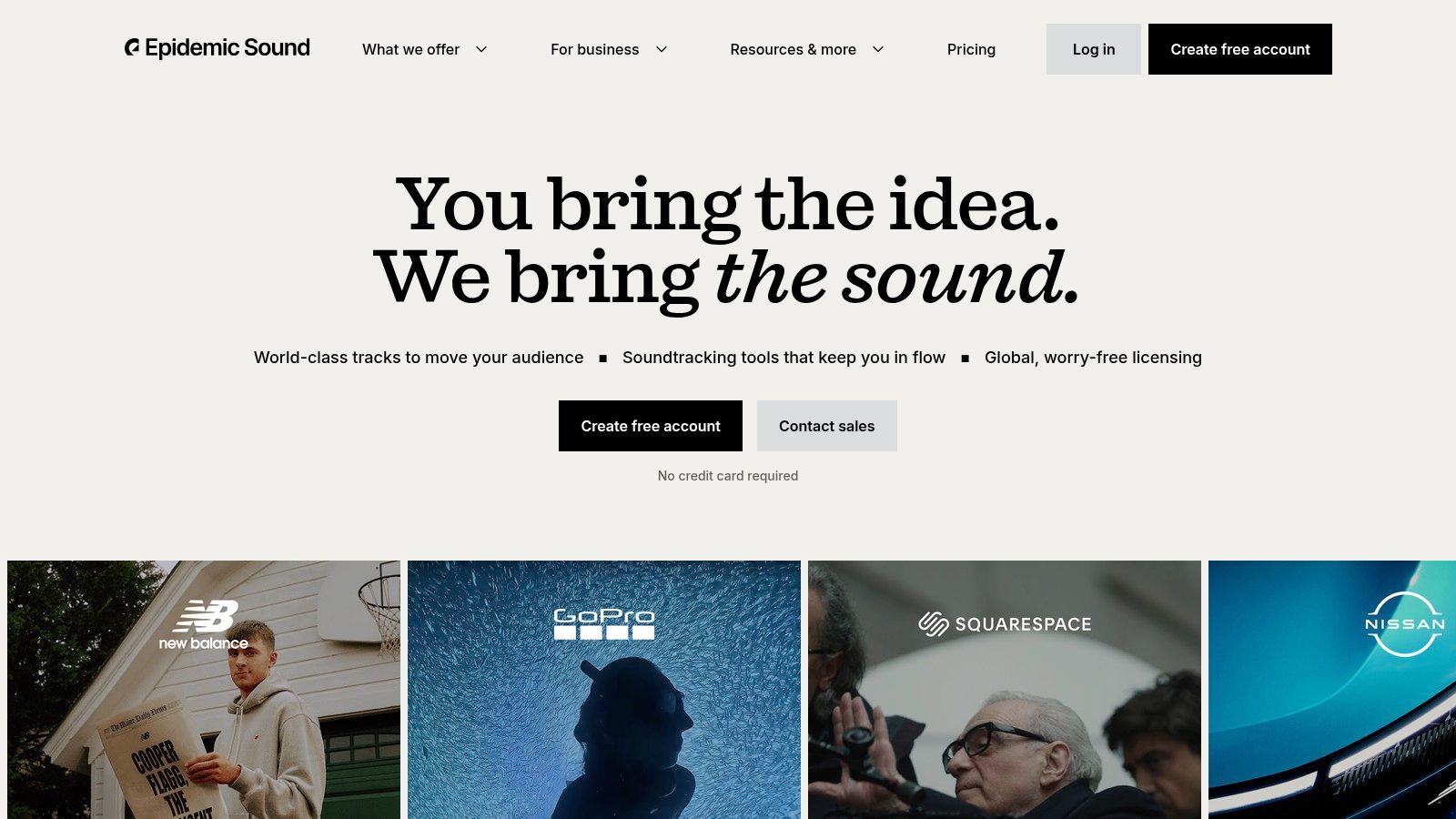
The platform operates on a subscription model, where you link your social channels and gain unlimited access to download and use its catalog. A standout feature is the availability of track stems, allowing creators to isolate vocals, instruments, or basslines for more creative and customized edits. The license is straightforward: any content published during an active subscription remains cleared forever, even if you later cancel.
Practical Tips for Creators
For TikTok creators, the "Find Similar" tool is incredibly powerful. When you discover a track that fits your video's vibe, you can instantly find dozens of others with a similar mood, tempo, or genre, saving hours of searching. Before committing, use the themed playlists and sound effect collections to quickly find audio for specific niches, like "Vlog," "Gaming," or "ASMR." Always ensure the plan you choose matches your needs; the Creator plan is for personal channels, while the Pro or Business tiers are required for client work and advertisements.
Pros & Cons
| Pros | Cons |
|---|---|
| Straightforward clearance for monetized social content | Subscription model only; no single-track perpetual purchase |
| Consistently curated and sizable music catalog | Creator plan does not cover client work or ads |
| Access to individual track stems for advanced editing | Can be expensive for creators just starting out |
Link: https://www.epidemicsound.com
12. Envato Elements
Envato Elements offers a massive, all-you-can-download subscription service that has become indispensable for creators needing a constant supply of high-quality assets. Instead of paying per item, a single flat-rate fee unlocks millions of stock videos, audio tracks, graphics, and video templates compatible with After Effects, Premiere Pro, and even CapCut. This model makes it one of the best tools for content creators who frequently need assets like intros, transitions, and lower thirds, removing budget friction from the creative process.
Its core strength is providing unlimited downloads with a simple commercial license, which is crucial for monetization. The sheer volume and variety of motion graphic templates allow creators to elevate their production value quickly without needing to be an expert animator. The platform streamlines the workflow for producing polished, professional-looking content on a tight schedule.
Practical Tips for Creators
For TikTok creators, Envato Elements is a goldmine for trending audio and video templates that can be adapted for short-form content. Use the search filters to find "CapCut Templates" or "Vertical Video" to speed up your workflow. Before downloading, always use the preview function to ensure the asset fits your video's aesthetic. Keep in mind that while you can use downloaded assets in perpetuity for projects created during your subscription, you must maintain an active subscription to license assets for new projects.
Pros & Cons
| Pros | Cons |
|---|---|
| Flat monthly cost for unlimited downloads | Must maintain subscription to license assets for new projects |
| Huge library of video templates and stock assets | Some licensing and AI usage policies are changing |
| Simple commercial licensing for peace of mind | The vast library can sometimes be difficult to navigate |
Link: https://elements.envato.com
Top 12 Tools for Content Creators — Quick Comparison
| Product | Core features | UX / Quality (★) | Value & Price (💰) | Target (👥) | USP (✨) |
|---|---|---|---|---|---|
| Viral.new 🏆 | Daily AI TikTok prompts; niche trend analysis; ready-to-shoot hooks & formats | ★★★★★ (4.9/5) — daily inbox | 💰 Pricing via account; saves planning time | 👥 Solo creators, small teams, DTC brands, agencies | ✨ Daily trend‑aligned, conversion‑focused idea batches |
| Amazon | Massive hardware marketplace; fast shipping; reviews & badges | ★★★★☆ — logistics & reviews | 💰 Wide price range; frequent deals & fast delivery | 👥 Starter creators, last‑minute buyers, bargain hunters | ✨ One‑stop shop + Prime speed |
| B&H Photo Video | Pro‑grade cameras, audio, livestream kits; expert support | ★★★★☆ — specialist service | 💰 Competitive pro deals; Deal Zone promotions | 👥 Pros, studio creators, rental buyers | ✨ Deep pro catalog & knowledgeable support |
| Adorama | Creator bundles, used/open‑box gear, VIP360 perks | ★★★★☆ — curated options | 💰 Bundle pricing; used gear for budgets | 👥 Budget‑conscious creators, frequent buyers | ✨ Curated vlogger kits & open‑box savings |
| DJI (Official Store) | Pocket cameras, smartphone gimbals, wireless mics | ★★★★☆ — portable solutions | 💰 Mid‑range kit pricing; occasional sellouts | 👥 Mobile‑first creators, travel shooters | ✨ Extremely portable shoot‑and‑go gear |
| Elgato (Corsair) | Stream Deck, webcams, studio lighting, capture cards | ★★★★☆ — tight integrations | 💰 Modular ecosystem; costs add up | 👥 Streamers & desktop workflow creators | ✨ Workflow automation & studio control |
| Adobe Creative Cloud | Premiere Pro, After Effects, Firefly AI, cross‑app tools | ★★★★★ — industry standard | 💰 Subscription; Pro tiers costlier | 👥 Agencies, post‑production pros | ✨ Best‑in‑class editing + cross‑app workflows |
| CapCut | Mobile/desktop/web short‑form editor; templates & AI tools | ★★★★☆ — social‑first & fast | 💰 Freemium; paid unlocks advanced exports | 👥 TikTok creators, quick editors | ✨ Optimized templates & auto‑tools for short video |
| Canva | Drag‑drop design/video, templates, Brand Kit | ★★★★☆ — very accessible | 💰 Freemium; team plans add features | 👥 Non‑designers, social marketers | ✨ Fast branded assets & collaboration |
| Later | Scheduling, TikTok auto‑publish, analytics, link‑in‑bio | ★★★★☆ — planning‑centric | 💰 Freemium; advanced features in higher tiers | 👥 Social managers, planners, creators | ✨ Centralized TikTok publish + analytics |
| Epidemic Sound | Royalty‑free music & SFX with stems; creator/pro tiers | ★★★★☆ — reliable clearance | 💰 Subscription (Creator / Pro tiers) | 👥 Creators needing cleared music for monetization | ✨ Straightforward licensing for social content |
| Envato Elements | Unlimited templates, stock, motion assets & commercial license | ★★★★☆ — asset‑heavy | 💰 Flat subscription for heavy asset use | 👥 Frequent asset users, editors, agencies | ✨ Massive motion/template library + commercial license |
Building Your Ultimate Creator Stack
Navigating the vast landscape of digital tools can feel overwhelming, but building your personalized creator stack is the most strategic investment you can make in your growth. We've explored a comprehensive suite of options, from ideation engines like Viral.new and hardware suppliers like B&H Photo Video to all-in-one editing platforms like Adobe Creative Cloud and mobile-first powerhouses like CapCut. The central takeaway is that there is no single "perfect" tool; the best tools for content creators are those that form a cohesive system tailored to your specific workflow, budget, and creative ambitions.
The most successful creators don't just find good tools; they build an efficient, interconnected workflow. They understand that technology should serve creativity, not hinder it. Your ultimate goal is to create a process where technology handles the repetitive, time-consuming tasks, freeing you to focus on what truly matters: connecting with your audience and producing high-impact content.
Your Actionable Roadmap to Building a Better Workflow
Instead of trying to adopt every tool at once, approach this strategically. A phased implementation will prevent burnout and ensure each new tool genuinely improves your process. Start by pinpointing your most significant pain point.
- Is idea generation a constant struggle? If you find yourself staring at a blank screen, a tool like Viral.new should be your first stop. It’s designed specifically to solve this initial, crucial hurdle in the content creation lifecycle.
- Is editing consuming all your time? If you're spending hours on technical edits, mastering a more powerful tool like Adobe Premiere Pro or leaning into the efficiency of CapCut’s templates could revolutionize your output.
- Is content organization and scheduling chaotic? A platform like Later or Canva Pro’s Content Planner can bring order to your publishing schedule, allowing you to batch create and post consistently without the daily stress.
Key Considerations for Your Creator Stack
As you select and integrate these tools, keep a few core principles in mind. First, prioritize integration. How well do your chosen tools work together? For instance, your editing software should seamlessly handle audio files from Epidemic Sound and graphic assets from Envato Elements. A disjointed toolkit creates more work, defeating the purpose.
Second, consider scalability. The free version of Canva might be perfect today, but will it support a team or advanced branding needs in a year? Choose tools that can grow with you. This foresight prevents you from having to migrate entire workflows down the line.
Finally, think about accessibility and repurposing. A streamlined workflow also means making your content work harder for you. When curating your ultimate creator stack, consider integrating essential utilities like the best free video to text converter tools that can significantly enhance content accessibility and repurposing. Generating transcripts allows you to easily create blog posts, captions, and other text-based content from your videos, maximizing the reach of every piece you produce.
Final Thoughts: From Tools to Transformation
Ultimately, the tools discussed in this guide are more than just software and hardware; they are enablers of creativity and efficiency. They are the building blocks of a professional content creation engine. By thoughtfully selecting and implementing the right combination, you move from being a hobbyist to a strategic operator. You transform your passion into a sustainable, scalable creative enterprise. The journey starts with a single step: identifying your biggest bottleneck and choosing one tool from this list to solve it today.
Ready to conquer your biggest creative challenge? If coming up with viral-worthy ideas is your daily struggle, start your stack with the most powerful AI idea generator built for TikTok. Let Viral.new handle the brainstorming so you can focus on creating. Try Viral.new today and never run out of engaging content ideas again.
