
Managing social media today is more than just posting. It’s a complex mix of content creation, scheduling, community management, analytics, and reporting. Without the right tools, the workload can quickly become overwhelming, leading to burnout and inconsistent results. If you're struggling with social media overload, exploring how to save time on social media marketing can significantly streamline your operations. A well-chosen tech stack is a crucial part of that strategy.
This guide cuts through the noise to showcase the definitive list of the best apps for social media managers. We’ve done the heavy lifting, categorizing each tool by its core function, from all-in-one management suites like Hootsuite and Sprout Social to specialized content creation and ideation tools like Canva and Viral.new. This helps you build a more efficient, effective, and sustainable workflow tailored to your specific needs, whether you're a TikTok creator, an agency lead, or a small business owner.
Inside, you'll find a detailed analysis of each app, including its core features, ideal use case, pricing, and key integrations. We also provide an honest assessment of pros and cons, complete with screenshots and direct links, so you can make an informed decision without sifting through countless review sites. Our goal is to provide a comprehensive resource that helps you move from feeling overwhelmed to being in complete control of your social media strategy.
1. Viral.new: For AI-Powered TikTok Ideation
Viral.new is a standout tool designed to tackle one of the most significant challenges for social media managers: the constant need for fresh, engaging TikTok ideas. It positions itself as an indispensable brainstorming partner, using AI to generate a stream of relevant and potentially viral video concepts tailored to a specific niche or keyword. This makes it one of the best apps for social media managers who are deep in the trenches of short-form video content creation.
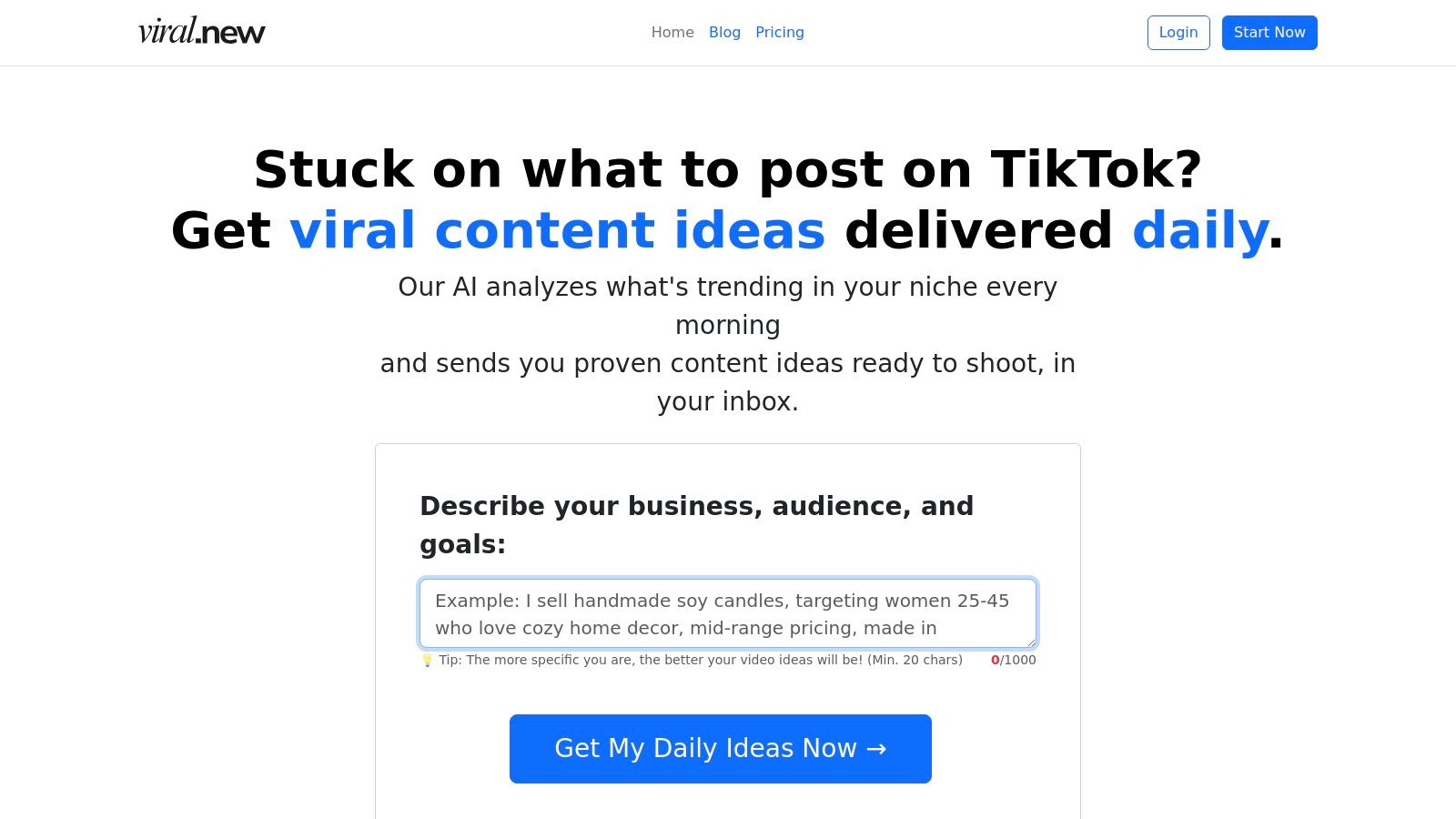
Unlike generic content generators, Viral.new excels by focusing its AI on the specific formats, trends, and hooks that perform well on TikTok. By simply entering a topic, the platform delivers a structured list of ideas, complete with suggested hooks, scene-by-scene breakdowns, and relevant audio cues. This level of detail transforms a vague concept into a tangible, actionable video plan, drastically reducing the time spent on creative strategy and allowing managers to focus on execution.
For teams looking to streamline their entire video workflow, the ideas generated by Viral.new can be a powerful starting point. Beyond ideation, a dedicated AI TikTok video generator can automate the production of engaging videos, taking the creative brief from a tool like Viral.new and turning it into a finished asset. This combination of AI-powered ideation and production creates a highly efficient content pipeline.
Core Features & Use Case
Viral.new is built for rapid, targeted ideation. Its clean, minimalist interface requires minimal setup, making it ideal for quickly overcoming creative blocks.
- Best For: Social media managers, content creators, and marketing agencies who need to consistently produce a high volume of TikTok content and want to move beyond generic or repetitive video formats.
- Key Strength: Its ability to provide structured, platform-specific video concepts rather than just broad topics. The inclusion of hooks and scene suggestions is a significant advantage.
- Pricing: Viral.new is currently free to use, offering a powerful resource without any financial commitment, which is a major benefit for freelancers or agencies testing new tools.
A Social Media Manager's Workflow
Imagine you manage social media for a sustainable fashion brand. Your workflow might look like this:
- Ideation: Open Viral.new and input "sustainable fashion tips."
- Selection: The platform generates 10 video ideas. You select "3 Fast-Fashion Swaps You Can Make Today," which includes a hook like "Your closet is lying to you..." and a three-part structure.
- Planning: You add this structured idea directly into your content calendar, assigning it to a creator. The clear brief ensures everyone is aligned on the video's direction and key messaging.
2. Hootsuite
Hootsuite is one of the most established and comprehensive platforms in the social media management space. It serves as a true all-in-one command center, making it one of the best apps for social media managers handling complex operations for agencies or large in-house teams. The platform excels at providing deep analytics, robust scheduling, and sophisticated team collaboration workflows.
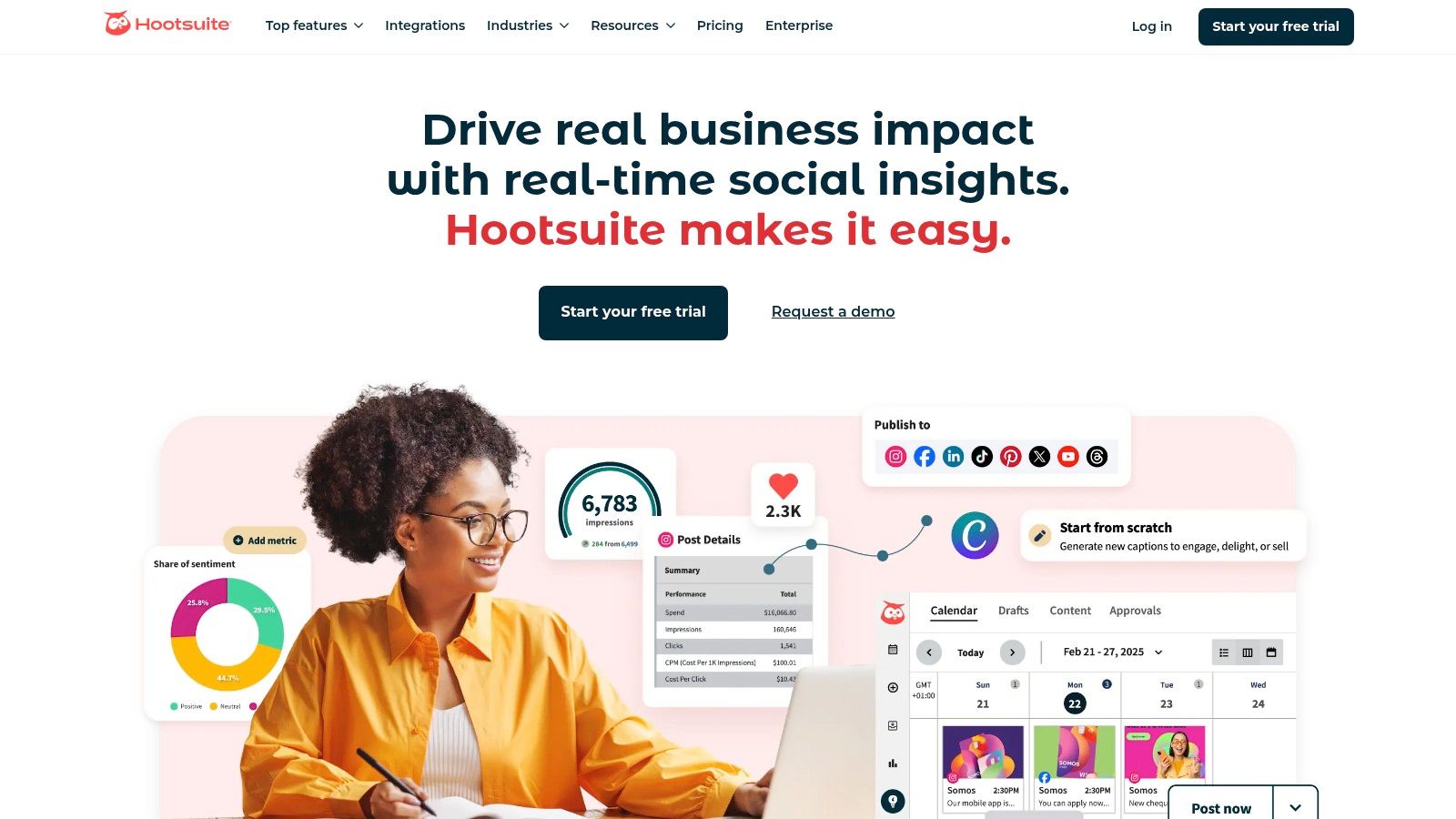
Its strength lies in its enterprise-grade features, like granular team permissions, content approval queues, and detailed competitor benchmarking. This governance is crucial for brands that need to maintain strict control over their messaging. While its interface can feel dense compared to newer tools, its power and broad network support are undeniable. A solid content strategy is key to getting the most out of its advanced scheduling features; you can learn more about how to plan social media content to maximize your efficiency.
Platform Details
- Best For: Agencies and enterprise teams needing deep analytics, governance, and multi-brand management.
- Key Features:
- Unlimited post scheduling with AI-powered "best time to post" suggestions.
- Unified inbox for managing comments and DMs with automation capabilities.
- Competitor and social listening dashboards with sentiment analysis.
- Pros: Excellent for team workflows, broad social network support, and a generous 30-day free trial.
- Cons: Higher price point and a steeper learning curve than more streamlined alternatives.
- Pricing: Plans start at $99/month for the Professional tier.
- Website: https://www.hootsuite.com
3. Buffer
Buffer stands out as an exceptionally user-friendly and streamlined platform, making it one of the best apps for social media managers who value simplicity and efficiency. It’s particularly well-suited for small businesses, creators, and freelancers who need powerful scheduling and engagement tools without the complexity of enterprise-level software. The platform’s clean interface and intuitive queueing system allow for quick content planning and execution.
Its main appeal is its accessibility and modular pricing, which allows users to pay only for the channels they need. Buffer focuses on core social media tasks-planning, scheduling, and engaging-and does them extremely well. This creator-friendly approach, combined with a generous free plan, makes it a perfect starting point for those building a brand or managing a small portfolio of clients who need a reliable, no-fuss solution.
Platform Details
- Best For: Small businesses, individual creators, and freelancers needing an affordable and easy-to-use scheduling tool.
- Key Features:
- Intuitive content calendar with a post-queuing system.
- AI Assistant for generating post ideas, rewriting copy, and repurposing content.
- Unified inbox to manage comments and an integrated hashtag manager.
- Pros: Excellent free plan, simple and clean user interface, and flexible, affordable per-channel pricing.
- Cons: Lacks advanced analytics, social listening, and team governance features found in larger platforms.
- Pricing: A free plan is available. Paid plans start at $6/month per channel.
- Website: https://buffer.com
4. Sprout Social
Sprout Social positions itself as a premium, all-in-one social media management tool, making it one of the best apps for social media managers who prioritize deep analytics and sophisticated reporting. It’s designed for established brands and agencies that need to prove ROI through data. The platform combines publishing, engagement, and analytics into a cohesive and intuitive user experience.
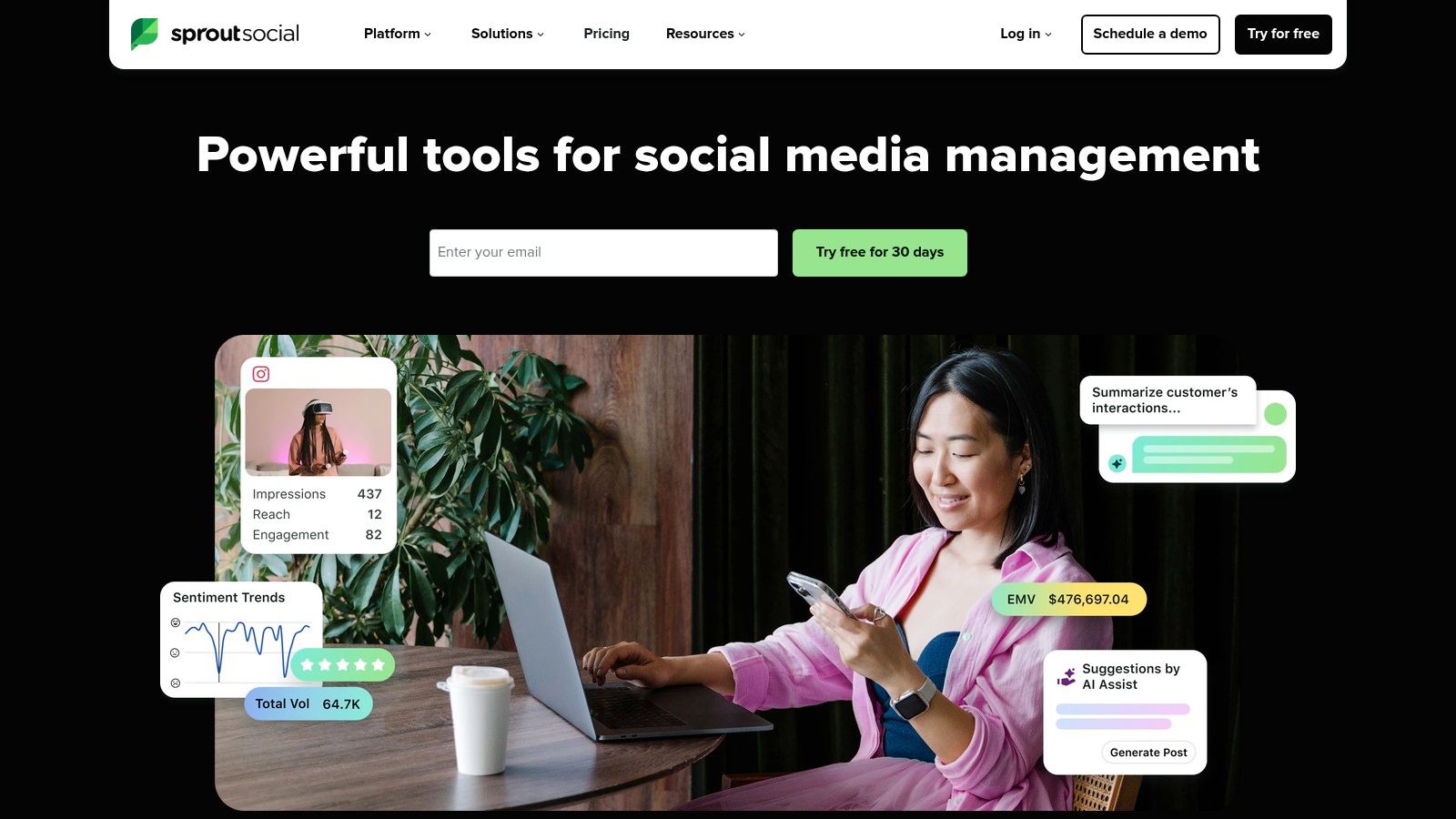
Its core strength is its powerful analytics suite, which provides stakeholder-ready reports that are both beautiful and easy to understand. The Smart Inbox centralizes all incoming messages, streamlining engagement across networks. The platform's listening tools are also exceptional; you can learn more about how social media listening can increase customer advocacy to see how this feature drives results. While its price point is high, the investment pays off for teams needing robust, scalable solutions.
Platform Details
- Best For: In-house marketing teams and agencies needing best-in-class analytics and client-ready reporting.
- Key Features:
- Advanced, customizable reporting and stakeholder-ready exports.
- Unified "Smart Inbox" for streamlined engagement and review management.
- AI Assist features for content creation and optimizing replies.
- Pros: Best-in-class reporting capabilities, scales well for cross-functional and enterprise teams, and offers an intuitive user interface.
- Cons: Premium pricing is charged per user, and optional add-ons can significantly increase the total cost.
- Pricing: Plans start at $249/month per user for the Standard tier.
- Website: https://sproutsocial.com
5. Later
Later began as an Instagram-first visual planner and has evolved into a powerful, visually-driven scheduler for multiple platforms, including TikTok, Pinterest, and YouTube. Its core strength lies in its user-friendly visual calendar, which allows social media managers to see exactly how their feed will look before publishing. This makes it one of the best apps for social media managers at visually-focused brands, e-commerce stores, and creator-led businesses who prioritize aesthetics.
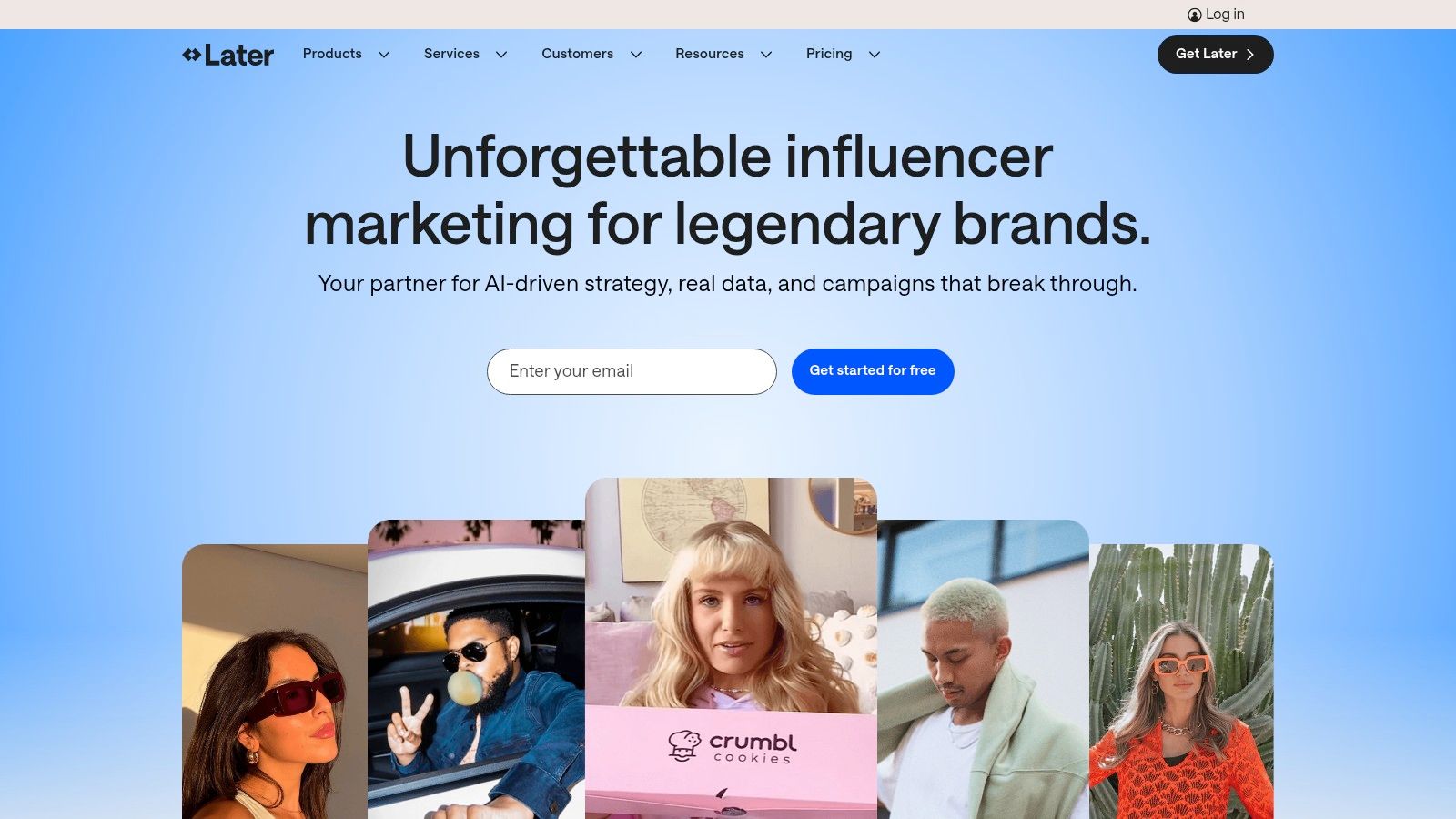
The platform offers an intuitive drag-and-drop interface, making content planning quick and straightforward. Features like the AI content assistant and "best time to post" suggestions help streamline the content creation process. Higher-tier plans also introduce valuable collaboration tools, such as content approval workflows, which are crucial for teams needing to maintain brand consistency while managing a high volume of visual assets.
Platform Details
- Best For: E-commerce brands, creators, and marketers focused heavily on Instagram and TikTok.
- Key Features:
- Visual planner with drag-and-drop calendar and auto-publish.
- AI content assistant and Smart Scheduling suggestions.
- Built-in Link in Bio tool to drive traffic.
- Content approval and external comment workflows on higher tiers.
- Pros: Excellent for visually planning Instagram and TikTok, very user-friendly interface, and a great free plan for individuals.
- Cons: Advanced collaboration features are locked behind more expensive plans, and post limits on lower tiers can be restrictive.
- Pricing: A free plan is available. Paid plans start at $25/month for the Starter tier.
- Website: https://later.com
6. SocialPilot
SocialPilot delivers a powerful and cost-effective social media management solution, positioning itself as an exceptional choice for growing agencies and small businesses. It balances a comprehensive feature set with straightforward pricing, making it one of the best apps for social media managers who need to manage multiple brands without the enterprise-level cost. The platform streamlines scheduling, client collaboration, and reporting into one accessible hub.
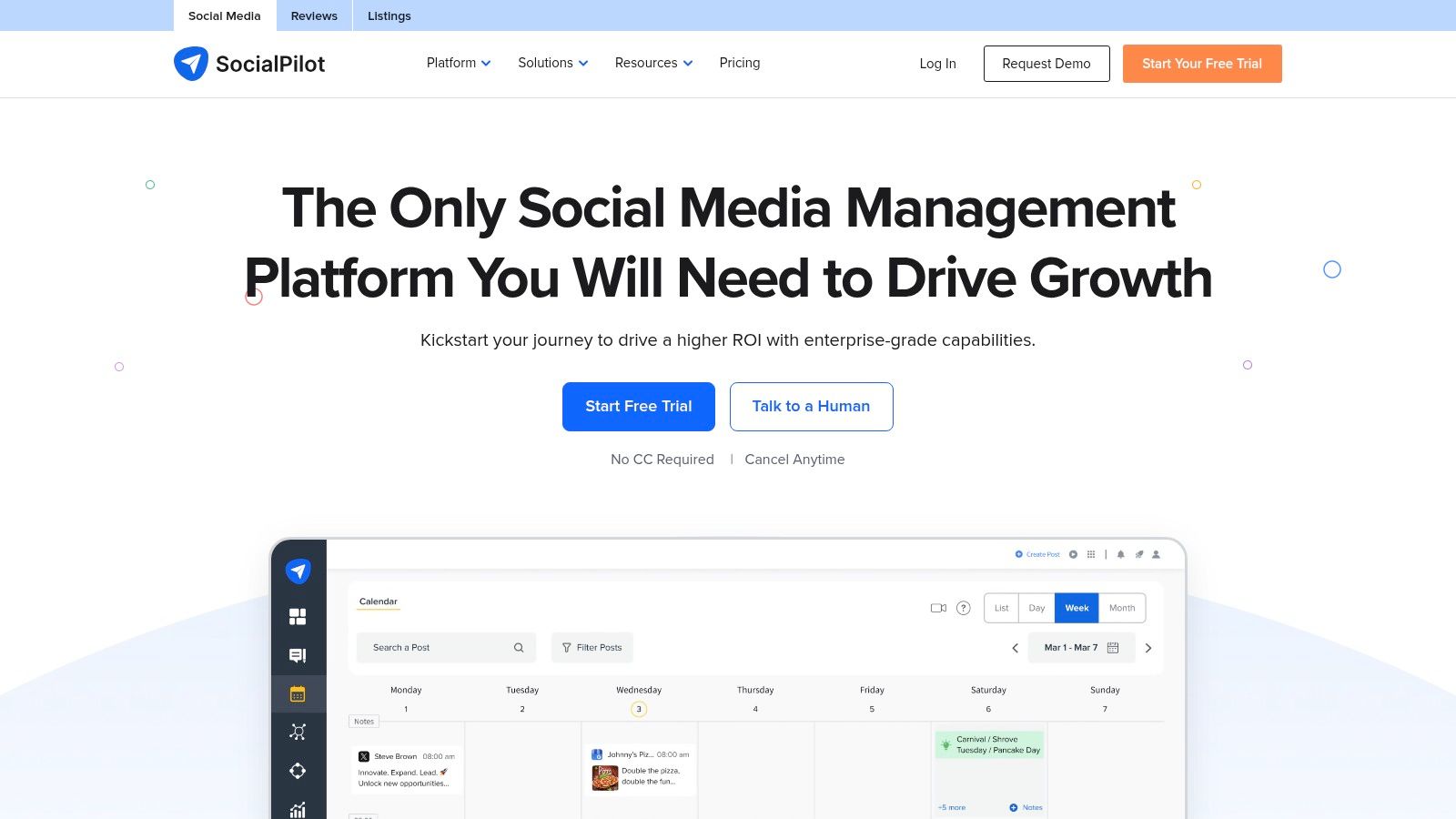
Its core strength is providing agency-centric tools, like white-label reports and client management portals, at a price point that is significantly lower than many competitors. While its user interface is more functional than flashy, its efficiency in bulk scheduling and content curation is undeniable. SocialPilot proves that robust social media management doesn't have to come with a complex interface or a hefty price tag, offering a practical and scalable tool for results-driven teams.
Platform Details
- Best For: Small to mid-sized agencies and marketing teams seeking a high-value, multi-client management tool.
- Key Features:
- Bulk scheduling with content calendar view and client approval workflows.
- Unified social inbox to manage conversations across platforms.
- White-label reporting and analytics for professional client presentations.
- Pros: Strong value for multi-brand management and straightforward pricing with a 14-day free trial.
- Cons: The UI/UX is more utilitarian than design-led competitors, and it has fewer native listening features.
- Pricing: Plans start at $25.50/month for the Professional tier (billed annually).
- Website: https://www.socialpilot.co
7. Metricool
Metricool positions itself as a powerful yet accessible analytics and planning tool, making it one of the best apps for social media managers who prioritize data-driven reporting without an enterprise-level budget. It combines robust scheduling capabilities with deep competitor analysis and highly customizable reporting features, including a direct Looker Studio (formerly Google Data Studio) connector that sets it apart. The platform is particularly favored by freelancers and small agencies managing multiple clients.
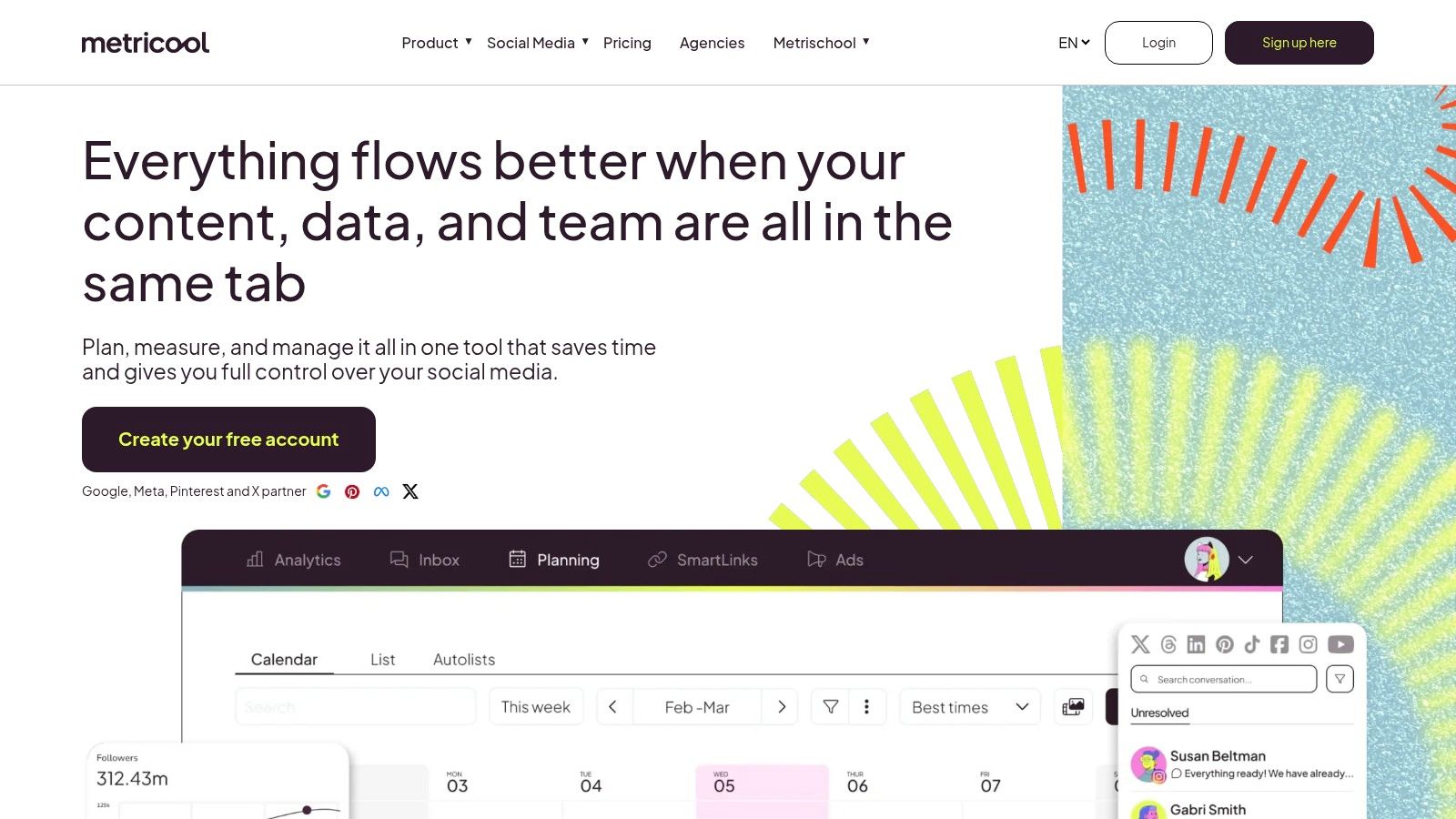
Its strength is offering premium reporting and analytics features, often found in more expensive tools, at a very competitive price point. For instance, you can take a trending video idea discovered on a platform like Viral.new and use Metricool to schedule it, track its performance meticulously against competitors, and then pull that data into a custom-branded client report. While the interface is more reporting-focused than creation-focused, its utility for proving ROI is undeniable.
Platform Details
- Best For: Freelancers and small agencies needing powerful analytics and client reporting on a budget.
- Key Features:
- Unified scheduling calendar with "best time to post" suggestions for various platforms.
- Customizable PDF/PPT report templates with white-labeling options.
- Direct Looker Studio connector for advanced data visualization.
- Pros: Excellent price-to-feature ratio, strong focus on analytics and reporting, and scales affordably from solo users to teams.
- Cons: The user interface is more functional than intuitive, and some advanced features require paid add-ons.
- Pricing: Offers a free plan; paid plans start at $25/month for the Starter tier.
- Website: https://metricool.com
8. Canva
Canva has become an indispensable tool for social media managers, democratizing design and making high-quality content creation accessible to everyone. It's not a scheduler or an analytics platform but a visual content powerhouse, enabling teams to produce on-brand graphics, videos, and presentations with incredible speed. Its massive library of templates and assets removes the bottleneck of relying on a dedicated design team for every post.
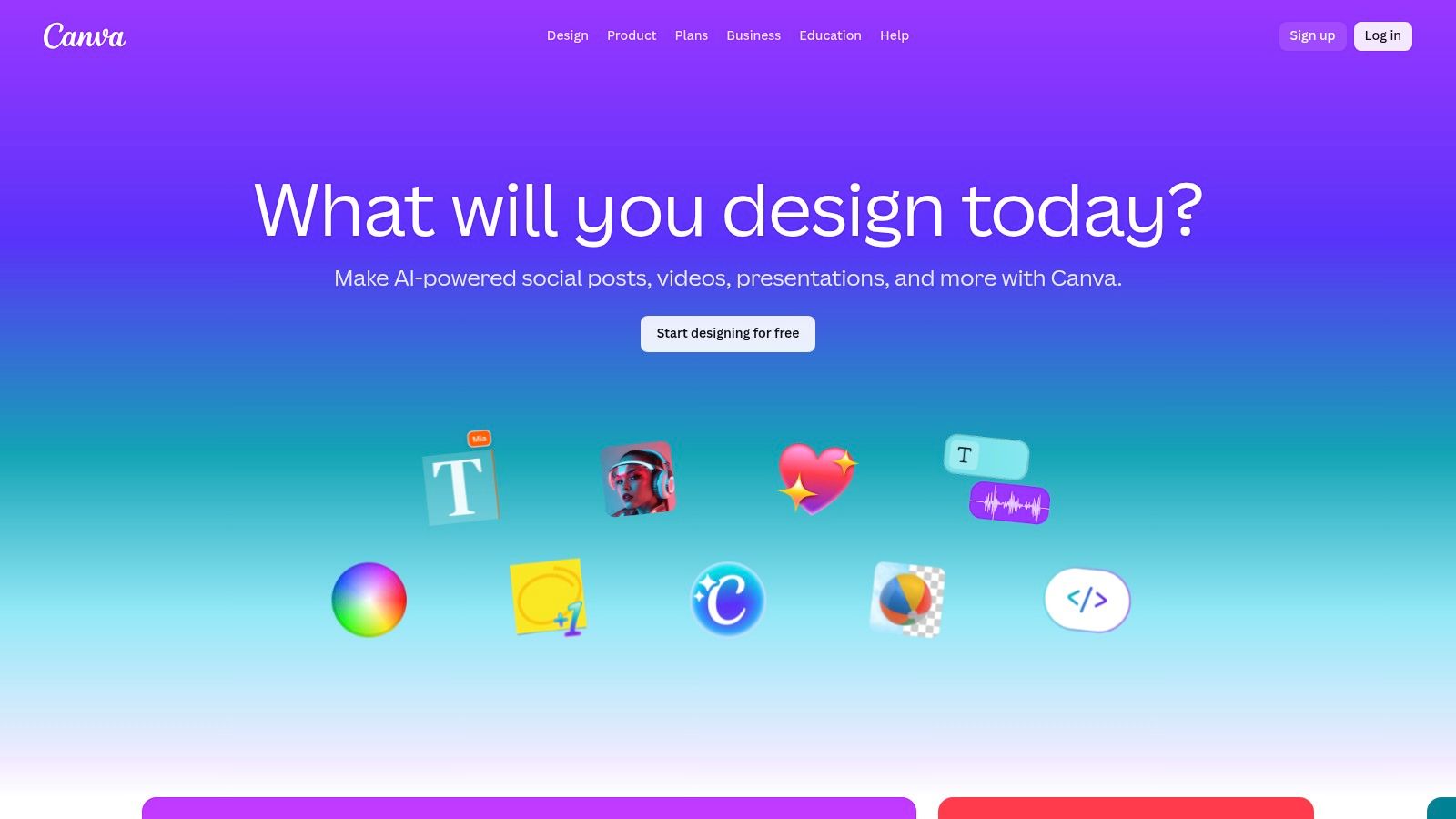
The platform's strength is its seamless blend of simplicity and power. With features like Brand Kits, teams can maintain visual consistency across all channels, while AI-powered tools in its Magic Studio accelerate the creation process from text prompts to finished designs. For those looking to explore more AI-driven content tools, you can discover some of the best AI tools for content creation to further enhance your workflow. Canva serves as the creative engine behind many of the best apps for social media managers, providing the assets that are ultimately scheduled and published.
Platform Details
- Best For: Teams of all sizes needing to create on-brand visual content quickly without specialized design skills.
- Key Features:
- Extensive library of templates, stock photos, and video assets.
- Magic Studio AI tools for design, writing, and photo editing.
- Brand Kits to maintain brand consistency with logos, colors, and fonts.
- Pros: Extremely user-friendly, massive time-saver for creating assets at scale, and great for team collaboration.
- Cons: Over-reliance on popular templates can lead to generic-looking content if not customized.
- Pricing: Offers a robust free plan; paid plans start at $14.99/month for Canva Pro.
- Website: https://www.canva.com
9. Meta Business Suite
For social media managers focused exclusively on Facebook and Instagram, Meta Business Suite is the essential, native starting point. As Meta’s official, free management tool, it provides a centralized dashboard for scheduling posts, stories, and reels across both platforms. It’s one of the best apps for social media managers on a tight budget or those just starting out who need reliable, direct integration.
Its core strength is its direct access to Meta’s ecosystem, ensuring new features like specific reel formats or ad integrations are available immediately. The platform offers a unified inbox for comments and DMs, basic performance analytics, and a content calendar planner. While it lacks the multi-network support and deep analytics of paid tools, its seamless, cost-free functionality for the world’s largest social platforms makes it indispensable.
Platform Details
- Best For: Small businesses and freelancers managing only Facebook and Instagram presence on a zero-dollar budget.
- Key Features:
- Native post, Story, and Reel scheduling with optimal posting time suggestions.
- Unified inbox to manage Facebook, Messenger, and Instagram comments and DMs.
- Basic audience and content performance analytics directly from the source.
- Pros: Completely free to use, offers direct and reliable integration with Meta's platforms, and has a simple user interface.
- Cons: Limited to Facebook and Instagram only, analytics are less robust than third-party tools, and can sometimes be glitchy.
- Pricing: Free.
- Website: https://business.facebook.com
10. G2
While not a management tool itself, G2 is an essential resource for any social media manager tasked with finding the right software. It serves as a comprehensive peer-review marketplace where you can compare the best apps for social media managers based on verified user feedback. The platform helps you cut through marketing hype by providing detailed rankings, comparison grids, and candid reviews from real-world users.
Its core value lies in its structured data, which allows you to filter tools by team size, specific features, and user satisfaction ratings. This makes it incredibly efficient for creating a shortlist of potential platforms that meet your exact needs before committing to demos or trials. Instead of relying on vendor claims, you can validate user sentiment, check for common complaints, and discover alternatives you might not have considered.
Platform Details
- Best For: Social media managers and team leads researching, comparing, and validating software choices before purchase.
- Key Features:
- Category grids and reports to compare tools on a feature-by-feature basis.
- Verified user reviews detailing pros, cons, and specific use cases.
- Advanced filtering by company size, industry, and feature set.
- Pros: Provides up-to-date market snapshots and segmented comparison grids, and is excellent for validating user sentiment.
- Cons: Sponsored placements can influence visibility on category pages, and reviews should always be checked for recency.
- Pricing: Free to use for research and reviews.
- Website: https://www.g2.com/categories/social-media-mgmt
11. Capterra
While not a management app itself, Capterra is an indispensable research tool for finding the right software. It's a massive directory and buyer's guide that allows social media managers to filter, compare, and vet hundreds of platforms side-by-side. This makes it one of the best resources for navigating the crowded market of apps for social media managers, ensuring you find a tool that perfectly matches your team’s specific needs and budget constraints.
Its real value lies in its structured comparison framework. You can filter over 290 products by features, pricing models, and user ratings, which significantly speeds up the shortlisting process. Instead of visiting dozens of individual websites, Capterra aggregates the essential information, including user-generated reviews and feature checklists, helping you make a more informed decision before committing to demos or free trials.
Platform Details
- Best For: Social media managers in the research phase, comparing features and pricing to find the perfect tool.
- Key Features:
- Directory of 290+ products with detailed feature comparisons and verified user reviews.
- Advanced filters to sort by ratings, number of reviews, and specific functionalities.
- Category-specific buyer's guides and checklists to streamline the selection process.
- Pros: Excellent for quick side-by-side comparisons, provides transparent pricing snapshots, and saves significant research time.
- Cons: Sponsored listings are prioritized in results, and the depth of user reviews can be inconsistent.
- Pricing: Free to use for research.
- Website: https://www.capterra.com/social-media-management-software/
12. AppSumo
AppSumo isn't a single app but a crucial marketplace for social media managers operating on a tight budget. It offers lifetime deals (LTDs) on a rotating selection of software, including schedulers, analytics platforms, and content creation tools. For freelancers or small agencies, this provides an opportunity to acquire powerful software with a single one-time payment instead of committing to recurring monthly subscriptions.
The platform is ideal for experimenting with emerging or niche tools that might not be on your radar yet. Its value lies in providing access to a diverse ecosystem of software at a fraction of the long-term cost, making it one of the best apps for social media managers looking to build a versatile and affordable tech stack. Just be sure to vet the tools and read community reviews, as the quality and long-term support can vary.
Platform Details
- Best For: Freelancers, startups, and agencies looking to build their toolset with budget-friendly lifetime deals.
- Key Features:
- Time-limited deals on social media and marketing software with one-time pricing.
- Generous refund windows (typically 60 days) for risk-free trials.
- Active user Q&A and review sections to gauge a tool's quality and support.
- Pros: Incredible cost savings compared to traditional SaaS models, and a great way to discover and test new tools.
- Cons: Deals are time-sensitive and may not return; some tools may be less mature or lack enterprise-grade support.
- Pricing: Varies per deal; typically one-time payments ranging from $39 to several hundred dollars.
- Website: https://appsumo.com
Top 12 Social Media Manager Apps — Features & Pricing Comparison
| Product | Core focus | 👥 Target audience | ★ UX / Quality | 💰 Value / Pricing | ✨ Unique selling point |
|---|---|---|---|---|---|
| 🏆 Viral.new | AI TikTok idea generator — daily inbox prompts | Solo creators, social teams, DTC brands | ★4.9/5 | 💰 Check site / trial available | ✨ Daily trend-aligned, ready-to-shoot prompts tailored to your niche |
| Hootsuite | All-in-one social management (scheduling, listening, analytics) | Agencies & multi-brand teams | ★★★★ | 💰 Tiered / higher-cost ($$–$$$) | ✨ Enterprise workflows, deep analytics & governance |
| Buffer | Lightweight scheduler & queueing | Freelancers, small teams | ★★★★ | 💰 Free tier + affordable plans ($) | ✨ Simple UX with modular per-channel pricing |
| Sprout Social | Analytics-first publishing & reporting | In-house teams & agencies needing rich reporting | ★★★★★ | 💰 Premium per-seat ($$$) | ✨ Best-in-class reporting and stakeholder-ready exports |
| Later | Visual planner + auto-publish for visual networks | Visual creators, IG/TikTok-focused teams | ★★★★ | 💰 Tiered; visual features on paid plans ($–$$) | ✨ Visual calendar, link-in-bio and visual-first workflows |
| SocialPilot | Cost-effective scheduling & client collaboration | Agencies & multi-brand managers on budget | ★★★ | 💰 Budget-friendly ($) | ✨ White-label reports and bulk scheduling at scale |
| Metricool | Planning, analytics & reporting on a budget | Freelancers & small agencies needing reports | ★★★★ | 💰 Competitive pricing ($) | ✨ Looker Studio connector, PDF/PPT exports & competitor tracking |
| Canva | Design & short-form creative with AI templates | Creators, marketers, teams | ★★★★★ | 💰 Free + Pro/Teams ($–$$) | ✨ Massive template library + Magic Studio AI tools |
| Meta Business Suite | Native FB/IG scheduling and basic analytics | Small businesses and cost-conscious teams | ★★★ | 💰 Free | ✨ Native, zero-cost scheduling for Facebook & Instagram |
| G2 | Peer-reviewed marketplace & category grids | Buyers shortlisting social tools | ★★★★ | 💰 Free to browse | ✨ Verified reviews, comparison grids and category reports |
| Capterra | Software directory & buyer's guide | Buyers researching and comparing tools | ★★★★ | 💰 Free to browse | ✨ Large directory, filters and pricing snapshots |
| AppSumo | Deal marketplace for discounted/lifetime SaaS | Budget-conscious managers & founders | ★★★ | 💰 One-time deals / variable | ✨ Time-limited lifetime deals and deep discounts |
Building Your Perfect Social Media Tech Stack
Navigating the vast landscape of social media management tools can feel overwhelming. As we've explored, the market is filled with powerful platforms from all-in-one giants like Sprout Social and Hootsuite to specialized, budget-friendly options like SocialPilot and Metricool. The goal isn't to find a single, mythical application that does everything perfectly. Instead, the real power lies in strategically assembling a personalized technology stack that streamlines your unique workflow and eliminates your most significant bottlenecks.
The search for the best apps for social media managers begins with a simple audit of your daily tasks. Where do you spend the most time? What part of your process feels clunky or inefficient? By identifying these friction points, you can pinpoint the exact type of tool that will deliver the highest return on your investment, whether that's in time saved or results achieved.
How to Choose Your Winning Combination
Your ideal toolkit will likely be a blend of applications, each chosen for its specific strengths. To build a stack that truly works for you, consider these crucial factors:
- Your Primary Bottleneck: If content ideation is your biggest struggle, especially for fast-paced platforms like TikTok, a specialized tool like Viral.new is your logical starting point. If your team is drowning in visual asset creation, a robust Canva Pro subscription is non-negotiable.
- Scale and Complexity: A freelance social media manager handling a few local business accounts has vastly different needs than an agency managing 20 enterprise-level clients. Platforms like Later and Buffer are excellent for smaller operations, while SocialPilot is built to scale with agencies.
- Budgetary Constraints: Your budget dictates your options. While premium tools offer extensive features, platforms like Meta Business Suite and Metricool's free tier provide incredible value at no cost. Don't forget to leverage marketplaces like AppSumo for lifetime deals that can make powerful software accessible.
- Integration and Workflow: The best tools play well with others. Before committing, ensure your chosen apps integrate smoothly. Does your scheduler connect to your asset manager? Can your analytics tool pull data from all your essential platforms? A connected workflow is an efficient workflow.
Your Action Plan for Implementation
Armed with this information, your next step is to take decisive action. Don't just read about these tools; interact with them. Almost every platform on this list offers a free trial or a freemium plan. Dedicate time to test your top two or three contenders for each category. Run a real campaign, schedule a week of content, and pull a report. This hands-on experience is the only way to determine if a tool’s interface and functionality genuinely align with how you work.
Ultimately, the best apps for social media managers are the ones that get out of your way, automating the tedious so you can focus on the strategic. They are the tools that transform your process from reactive to proactive, freeing you to engage with your community, analyze performance, and drive meaningful growth. Use this guide as your blueprint to build a tech stack that not only supports your work but elevates it.
Ready to conquer your biggest content challenge? If coming up with fresh, trend-driven video ideas is slowing you down, start with Viral.new. Our AI-powered platform analyzes trending topics and provides tailored, data-backed ideas specifically for TikTok, helping you create content that resonates. Sign up for free and kickstart your ideation process at Viral.new today.
