
If you're serious about using TikTok for your brand, your first move should be switching to a Business Account. Think of it as upgrading your profile from a casual content feed into a powerful growth engine. It’s a completely free change, and it immediately unlocks a whole suite of professional tools—we're talking in-depth analytics, a clickable website link in your bio, and access to the Commercial Music Library. This one switch is the foundation for treating TikTok as a legitimate business channel.
Why a TikTok Business Account Is Your Growth Command Center
Before we get into the "how-to," let's quickly cover the "why." A standard, personal profile is built for entertainment. A Business Account, on the other hand, is your brand's operational headquarters on the platform. It's what gives you the data and features you need to turn views into real results, like more followers, website traffic, and sales.
Without these tools, you're flying blind. Sure, you might post a video that gets thousands of views, but you have no idea who watched it, what time they were online, or what part of the video made them lose interest and scroll away. A Business Account gets rid of that guesswork.
From Guesswork to Data-Driven Decisions
Let's say you run a local coffee shop. On a personal account, you post a slick video of your new latte art, and it hits 10,000 views. That feels good, but what does it actually do for your business?
Now, picture this with a Business Account. You can see that 85% of those viewers live within a five-mile radius, most of them watched between 7 AM and 9 AM, and your follower count jumped right after you posted. That's pure gold. You now know to post your daily specials just before the morning commute to drive real foot traffic. This is the whole point: turning vanity metrics into smart business decisions.
A personal account collects likes; a Business Account collects data. This shift is fundamental to building a sustainable presence and achieving a real return on your content creation efforts.
The Tools That Fuel Your Growth
The analytics suite is easily the biggest game-changer. With over 225,000 brands and millions of merchants now active on TikTok, having clear data isn’t just a nice-to-have anymore—it’s how you compete. You can track video views, average watch times, and follower growth over 7, 28, or 60 days, giving you a crystal-clear picture of what's resonating with your audience.
Beyond the numbers, a few other key features unlock right away:
- Clickable Website Link: Finally, you can send followers directly from your bio to your online store, blog, or booking page.
- Commercial Music Library: You get access to a massive library of royalty-free audio that's cleared for commercial use, so you can avoid copyright headaches.
- Business Creative Hub: This is a great little spot for inspiration, with tips from TikTok on creating content that aligns with current trends.
- Ad Integration: Your account can be easily linked to the TikTok Ads Manager, allowing you to boost high-performing videos and run targeted campaigns.
Understanding the full benefits of TikTok for business helps put these tools into context. Every single feature is designed to close the gap between creating content and actually driving commerce.
Personal vs Business Account Feature Comparison
Here's a quick-glance comparison showing the key features you gain when switching from a Personal to a Business Account on TikTok.
| Feature | Personal Account | Business Account |
|---|---|---|
| Analytics | Basic account info only | Full suite: Follower demographics, content performance, traffic sources, and live data. |
| Profile Link | Not available (unless over a certain follower count) | Clickable website link in bio for all users. |
| Music Library | Full access to all sounds | Access to the Commercial Music Library (royalty-free tracks). |
| Ads Manager | No direct integration | Seamless integration with TikTok Ads Manager for paid campaigns. |
| Messaging | Full messaging features | Automated messages and business-focused messaging tools. |
| Business Creative Hub | Not available | Access to trend insights, best practices, and video showcases. |
As you can see, the Business Account is packed with tools designed specifically to help you measure performance and achieve tangible goals, which just aren't available on a personal profile.
A Quick Guide to Setting Up Your Business Account
Alright, let's get your Business Account set up. Whether you’re starting from scratch with a brand new profile or upgrading an existing personal one, the whole thing takes just a few minutes right inside the TikTok app. This isn't some complicated backend process—it's a few simple taps to unlock a whole suite of professional tools.
I'll walk you through the exact clicks you need to make, from your profile page to the final confirmation. Think of this as your roadmap to getting it done right.
Finding the Business Account Switch
First things first, open the TikTok app and head to your Profile page—that little icon in the bottom-right corner. Once you're there, tap the three horizontal lines (the "hamburger" menu) in the top-right. This is your gateway to all the important account settings.
From the menu that slides out, tap on Settings and privacy. This will take you to a new screen where you’ll want to select the Account option, which is almost always the first one at the top.
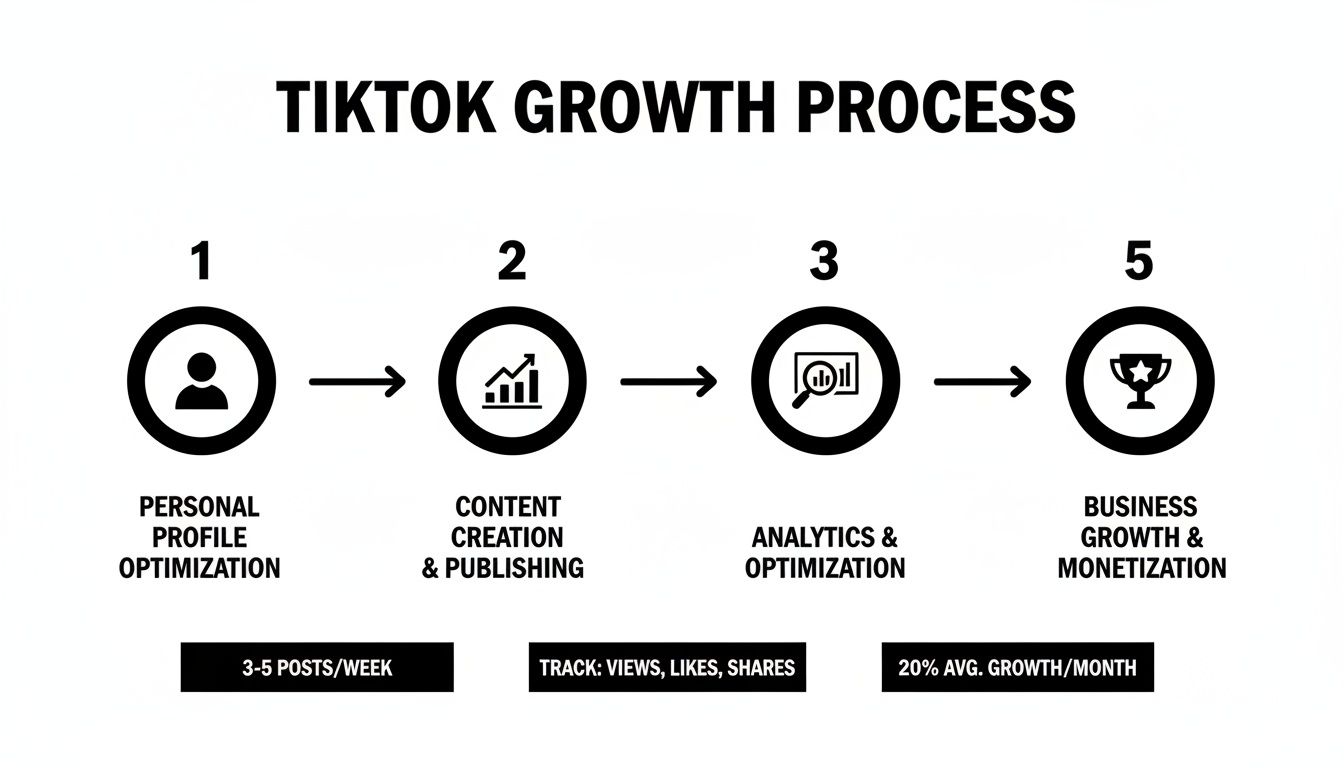
As you can see, making the switch to a Business Account is the critical step that bridges your creative content with the hard data you need to actually grow.
Inside the Account menu, you’ll spot an option that says Switch to Business Account. That’s the button you’re looking for. Go ahead and tap it to kick off the conversion.
TikTok will then give you a quick rundown of the features you're about to gain access to, like in-depth analytics and the massive commercial music library. Just tap Next to keep moving.
Choosing Your Business Category
Now for a key step: picking a category for your business. This is more than just a label; it helps the TikTok algorithm understand your niche and can even influence the kind of content and trends it shows you.
Take a second to scroll through the list and find the best fit.
- Running a local coffee shop? You'll probably want to pick Food & Beverage.
- Selling handmade jewelry? Shopping & Retail is the obvious choice.
- Working as a freelance marketing consultant? Business Services is a good bet.
Don't get stuck here. Just pick the category that makes the most sense right now—you can always change it later if you pivot or find a better fit.
After you select your category and hit Next, TikTok will give you the option to add a business email to your profile. I highly recommend doing this. It adds a professional touch and gives potential collaborators or customers an easy way to get in touch.
Once you’ve added your email (or skipped it for now), that’s it! You'll get a welcome message confirming that your account has been successfully upgraded to a TikTok Business Account.
Pro Tip: The very first thing you should do is go back to your profile page. You’ll notice a brand-new Business suite button right under your bio. This is your new command center. Tap it and start exploring your analytics and the creative hub. Knowing where this is will save you a ton of time later.
Making Your New Profile Pop: How to Optimize for Maximum Impact
Alright, you've flipped the switch to a Business Account. That’s the first step, but the real work starts now. Your profile needs to be more than just a place to post videos; it needs to be your brand’s digital storefront, a magnet for your ideal audience.
Every single element—from your profile picture to the link in your bio—is a piece of the puzzle. Let's put them together to build a profile that not only looks great but also works hard for your business.
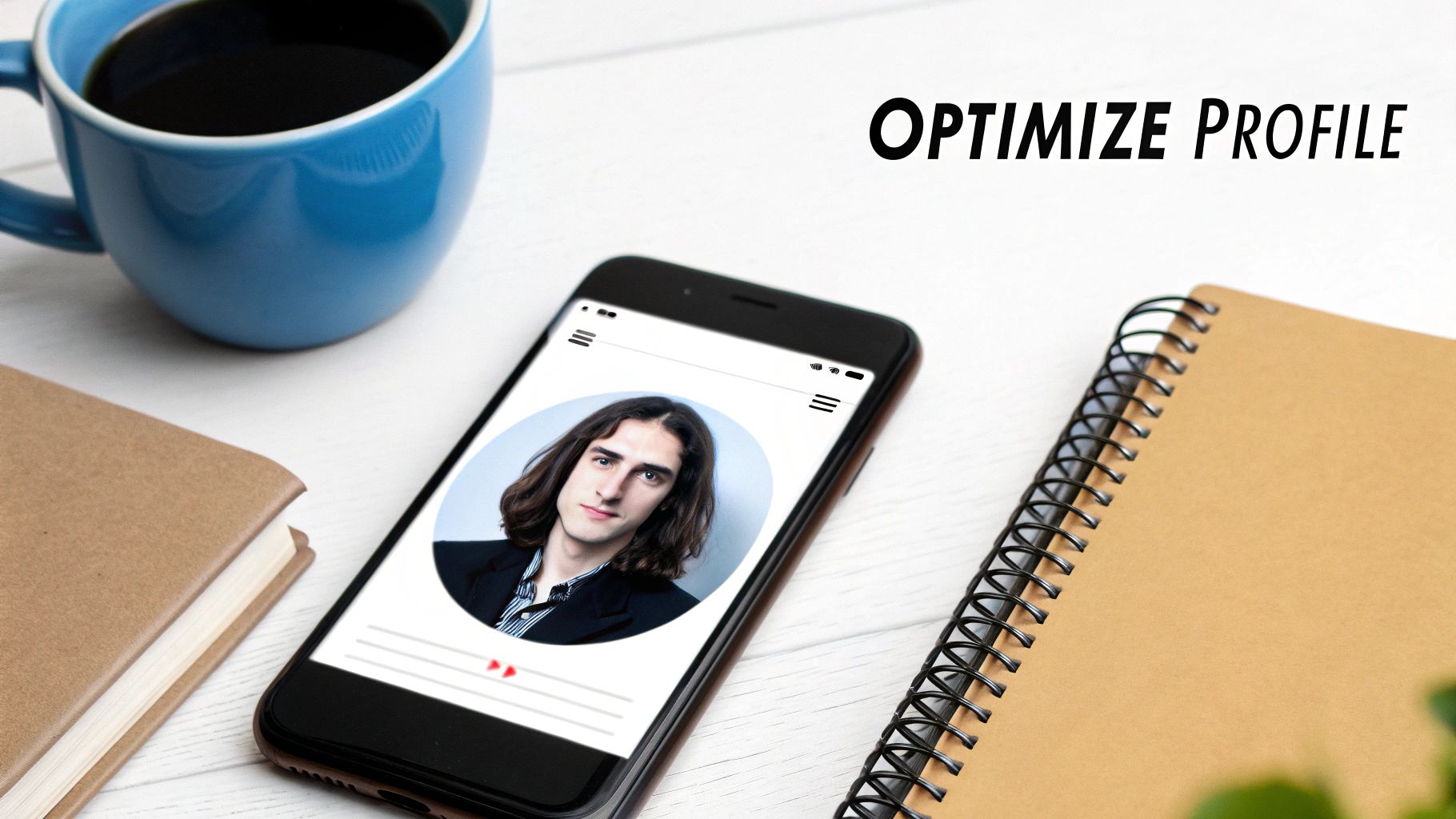
Think of your profile as the front window of your shop. It has to be clean, clear, and compelling enough to make someone stop scrolling and step inside.
Writing a Bio That Actually Converts
You only get 80 characters for your bio. That’s it. You have to make every single one count. This is your lightning-fast elevator pitch to convince a stranger they’ve found the right place.
Forget generic descriptions. Your bio needs to answer four questions instantly:
- Who are you? Your brand name or what you’re known for.
- What do you do? The product, service, or value you provide.
- Who is it for? A quick nod to your target audience.
- What's next? A clear call to action (CTA).
A local bakery could write something like, "Artisan sourdough & pastries in NYC | Baking tips & daily delights 👇 Shop our weekly specials below!" That’s worlds better than just "NYC Bakery." It tells you what they sell, what to expect from their content, and exactly where to click next.
Your bio isn't just a description; it's a funnel. It should immediately qualify your audience and give them a clear next step, turning passive viewers into active followers and potential customers.
Nailing Your Profile Picture and Handle
Your profile picture and username are your brand ambassadors on TikTok. They show up everywhere—on the For You Page, in comments, in DMs. They need to be instantly recognizable.
For your profile picture, stick with a high-resolution version of your logo or a clean, professional headshot. If you’re a personal brand, a friendly face builds trust. If you're a company, your logo is non-negotiable for brand recall. Avoid cluttered images that turn into a blurry mess at a small size.
Your username (or @handle) should be as simple and close to your brand name as possible. This is crucial for search and for people tagging you in their videos. Keep it clean and easy to remember.
Making the Most of That Clickable Website Link
One of the biggest perks of a Business Account is the ability to add a clickable website link in your bio. This is your golden ticket for driving traffic off of TikTok.
But don't just dump your homepage URL in there and call it a day. Be strategic.
- Link to Specific Products: Are you pushing a new release in your latest video? Update the link to go directly to that product page. Make it easy for people to buy.
- Offer a Lead Magnet: Give people a reason to click. Offer a free guide, a checklist, or a discount code in exchange for their email to grow your marketing list.
- Use a "Link-in-Bio" Tool: Services like Linktree or Beacons let you create a simple landing page with multiple links. This is perfect for directing people to your blog, your top-selling products, and your other social media channels all at once.
This single link transforms your profile from a passive content feed into an active lead-generation machine. As you get better at how to grow your TikTok followers, you’ll be sending more and more qualified traffic right where you want it to go.
Making Sense of Your TikTok Business Analytics
Okay, so you've got your Business Account set up. Now for the fun part. Your account isn't just a place to post videos; it's a treasure trove of data. But let's be real—numbers on a screen are pretty useless unless you know what they're telling you. Let's dig into your analytics and figure out how to turn that data into a content strategy that actually works.
Once you’ve learned how to create tiktok business account, your very next click should be on that analytics tab. This isn't about vanity metrics or chasing likes. It’s about listening to what your audience is telling you through their behavior.
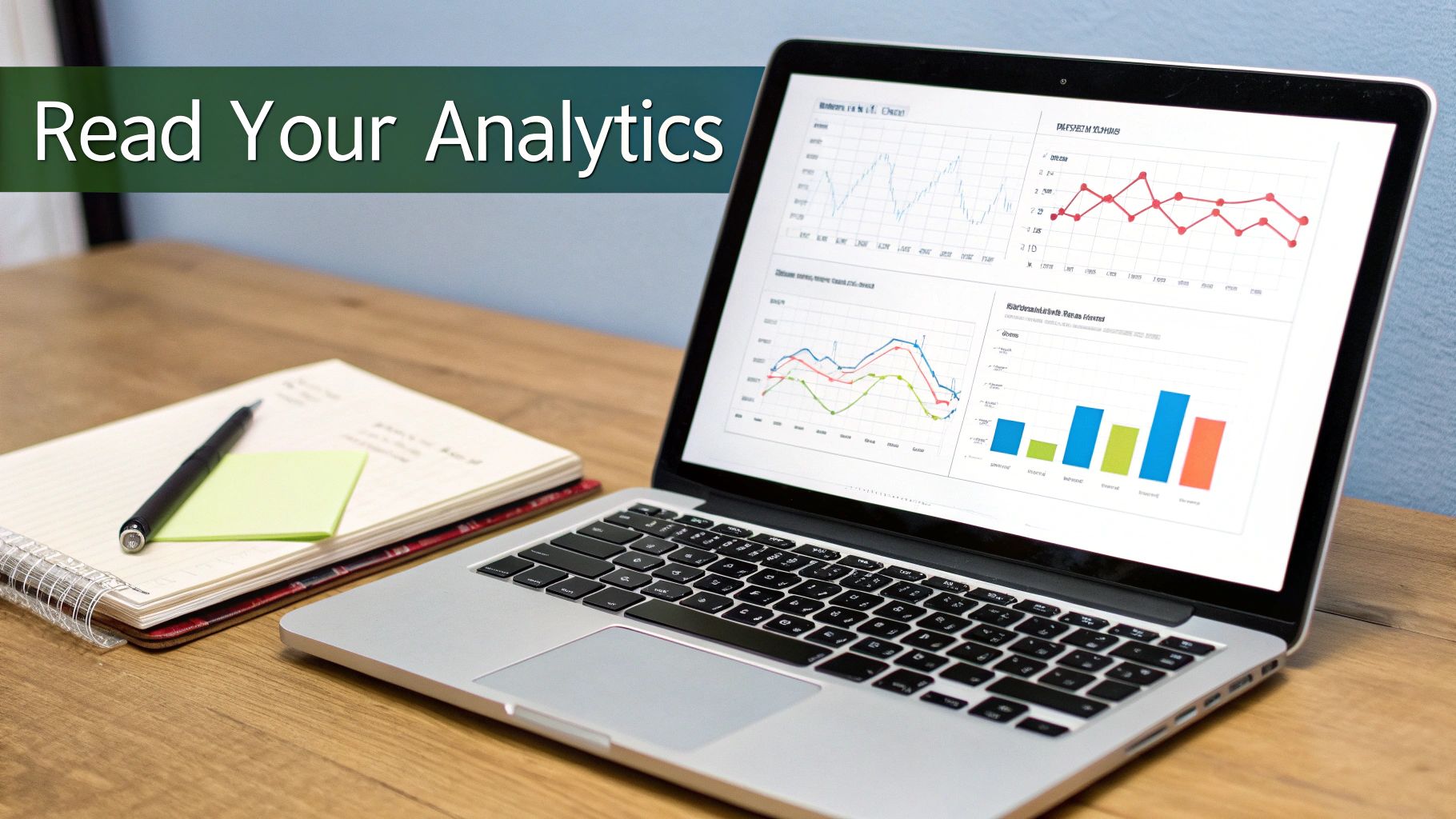
The Metrics That Genuinely Matter
When you open your analytics, you'll see four main sections: Overview, Content, Followers, and LIVE. We'll skip LIVE for now and focus on the first three, since that's where you'll find the most valuable intel for your content plan.
Follower Growth: This one's straightforward—it tracks your net follower count over 7, 28, or 60 days. What you're really looking for are the spikes. Did one particular video bring in a flood of new followers? That's your sign to double down on that style or topic.
Video Views & Average Watch Time: It’s easy to get obsessed with view count, but the real story is in the Average Watch Time. A video with fewer views but a longer watch time often means you've created something that truly resonates with a dedicated slice of your audience. That's pure gold.
Profile Views: This is a big one. It tells you how many people saw one of your videos and were curious enough to tap through to your main profile. A high number here is a great indicator that your content is successfully building brand interest, not just momentary engagement.
This is exactly why making the switch to a Business Account is so crucial. On average, these accounts see a median engagement rate of 1.73%, which absolutely crushes Instagram's 0.36% and Facebook's paltry 0.046%. Certain niches do even better—food and beverage brands, for instance, often hit around 2.04%.
Turning Insights Into Action
Knowing the numbers is half the battle; knowing what to do with them is what separates the pros from the amateurs.
Let's imagine a local boutique. They peek into their Followers tab and discover their audience is overwhelmingly active on Thursday evenings, specifically between 6 PM and 9 PM.
Armed with that info, they stop posting whenever they feel like it. Instead, they schedule their big "New Arrival" videos to go live at 5:45 PM every Thursday. It's a simple, data-backed tweak that gets their best content in front of the right people at the perfect time.
Key Takeaway: Your analytics aren't just a report card. Think of them as a crystal ball that shows you exactly what your audience wants to see and when they want to see it.
Don't forget to check out the Audience territories map. A sustainable fashion brand might be surprised to find a massive following in a city they've never even targeted. That single piece of information could spark a whole new regional ad campaign or a series of videos with local flair. Mastering your TikTok Analytics is what allows you to make these kinds of smart, strategic moves.
If you want to get really granular, our complete guide on how to check TikTok analytics breaks down every single metric you'll find. Ultimately, spending time in your analytics dashboard is how you stop guessing and start building a content machine that consistently delivers.
Alright, you've flipped the switch to a Business Account. Now what? Your content strategy needs to level up, too. It's no longer just about hopping on trends; it's about making those trends work for your brand's bottom line. Think of it as wearing two hats: one of a creative, authentic creator, and the other of a savvy marketer. Every video you post should have a clear purpose.
The first, and often biggest, adjustment you'll face is your audio selection. Business Accounts are limited to the Commercial Music Library, which is essentially a huge collection of royalty-free tracks. This means you can't just slap the latest chart-topper on your video and call it a day. But honestly, this isn't a setback—it's a creative push. It forces you to get inventive with original audio, compelling voiceovers, or by finding unique ways to use the commercial sounds available.
Blending Commerce with Creativity
Your content needs to do more than just entertain; it needs to support your business goals. Instead of just chasing viral fame, you'll want to think about how each video can gently guide a viewer from casual scroller to loyal customer. A great starting point is to discover compelling TikTok content ideas that actually connect with the people you want to reach.
Try building your strategy around these three core ideas:
- Showcase Your Products (Without Being Salesy): Don't just hold up your product. Show it solving a real-world problem. Film a quick tutorial, create a satisfying "before and after," or even better, feature a video from a genuinely happy customer using it.
- Build a Real Community: Pull back the curtain. Introduce the people behind the brand, share a bit of your origin story, or host a live Q&A session. Content that makes people feel like they're part of something special builds incredible loyalty.
- Establish Yourself as the Expert: What do you know that your audience doesn't? Share industry secrets, quick tips, or educational snippets related to what you do. This builds trust and positions your brand as the go-to authority in your niche.
Putting Business Features to Work
Your Business Account comes packed with some powerful tools designed to drive action right from the app. It's time to start playing with them. You can use in-feed Lead Generation forms to collect email sign-ups for your newsletter or connect your product catalog to TikTok Shop to create a super smooth shopping experience.
Key Takeaway: The game has changed. Your new goal isn't just to get millions of views. It's to build a consistent content machine that attracts your ideal audience and gives them clear, easy ways to buy from you.
And this strategic shift really works. Small businesses have seen an 88% jump in sales after getting serious about marketing on TikTok. On top of that, the 171,000 small business merchants using TikTok Shop are responsible for more than a third of all sales on the platform. The commercial potential is massive when you have the right strategy.
By weaving together authentic, engaging content with these smart promotional tools, your TikTok account will transform from a simple video feed into a serious engine for business growth.
Got Questions About Your TikTok Business Account? We've Got Answers.
Making the leap to a TikTok Business Account usually sparks a few questions. It's smart to get the lay of the land before you dive in, and we've heard these same queries from countless brands and creators. Let's clear up the most common points of confusion so you can get started with total confidence.
Think of this as the quick-start FAQ every business owner needs.
Can I Switch Back to a Personal Account?
Technically, yes. The switch isn't a one-way street. If you ever need to go back, you can find the option in your settings. Just head to ‘Settings and privacy,’ tap ‘Account,’ and you'll see ‘Switch to Personal Account.’
But—and this is a big one—be really careful here. The moment you switch back, you permanently lose every bit of your analytics data. All that valuable insight on follower growth, video views, and audience demographics? Gone. Forever. If there's even a small chance you'll need that data down the road, make sure you export it before you make the change.
Is a TikTok Business Account Actually Free?
You bet it is. Setting up a TikTok Business Account and getting your hands on all its core features is 100% free. There's no cost to unlock your analytics dashboard, put a clickable website link in your bio, or access the Commercial Music Library.
The only time you'll open your wallet is when you decide to run paid ads through the TikTok Ads Manager. The account itself, along with all its powerful tools for organic growth, has zero setup fees or monthly charges. For any brand serious about its TikTok presence, it's a no-brainer.
The real value of a Business Account—the data, the profile link, the professional tools—is offered completely free. TikTok wants businesses on the platform, and they give you the tools to succeed.
What's the Difference Between a Business and Creator Account?
This is probably the most important distinction to understand. While they're both a step up from a personal profile, they’re built for entirely different users.
Here’s the breakdown:
- Business Account: This is your home base if you're a brand, retailer, or organization. It’s designed for commerce, giving you access to the commercial sound library (so you don't get into legal trouble), ad platform integrations, and other business-centric tools.
- Creator Account: This is for public figures, influencers, and individual content creators. It offers more flexibility with trending sounds (though without commercial licenses), opens the door to programs like the Creator Fund, and has analytics geared toward personal brand growth.
Bottom line: If you're a company selling a product or service, the Business Account is the only way to go. It’s set up with the right tools and, crucially, the right legal permissions for commercial use.
Stop guessing what to post next and start creating with confidence. Viral.new delivers fresh, AI-powered TikTok ideas directly to your inbox every morning, tailored to your specific niche and today's biggest trends. Spend less time brainstorming and more time creating videos that actually connect with your audience. Get your viral ideas now.
